Inspection & Verification
- Verify customer's original problem by operating system in question. Inspect vehicle for any obvious electrical component wiring or connector damage. Inspect connectors for loose, damaged or corroded terminals. Check related fuses for system in question.
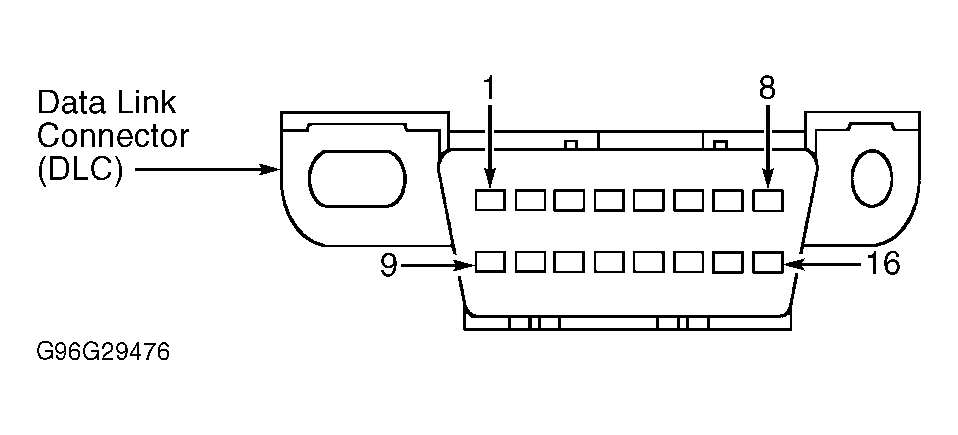
- Inspect 16-pin Data Link Connector (DLC) pins for damage. See Fig 1
. DLC is located under driver's side of instrument panel, to left of steering column. If pins are okay, go to next step. If pins are damaged, repair as necessary, and then go to next step.
- If problem is still present after performing inspection, connect scan tool to DLC. Select vehicle to be tested from scan tool menu. If scan tool does not communicate with vehicle, ensure program card is properly installed. Check scan tool cable connections and ensure ignition is on. If scan tool still does not communicate with vehicle, see TEST F: NO MODULE/NETWORK COMMUNICATION
under SYSTEM TESTS. If scan tool communicates with vehicle, perform data link diagnostic test. See DATA LINK DIAGNOSTIC TEST
.
 Courtesy of FORD MOTOR CO.