Operation Procedure
- Turn ignition switch OFF.
- Connect CONSULT-II to data link connector.
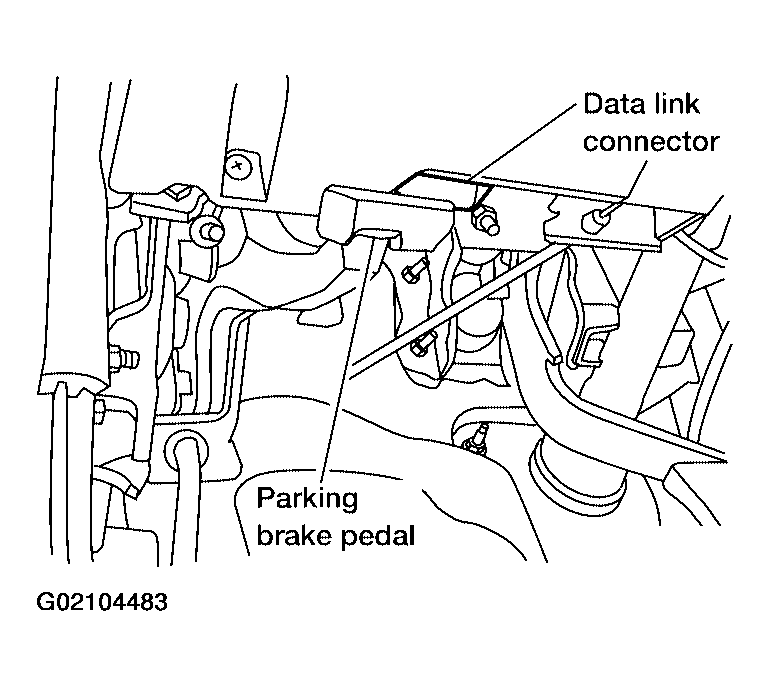 Courtesy of NISSAN MOTOR CO., U.S.A.
- Turn ignition switch ON.
- Touch "START" on display.
- Touch "ABS" on display.
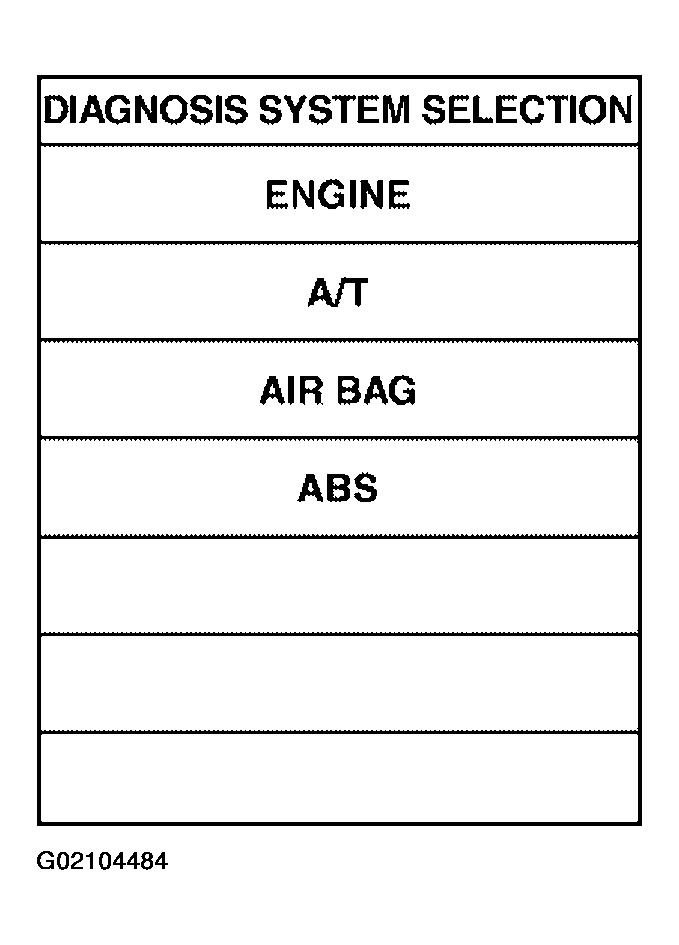 Courtesy of NISSAN MOTOR CO., U.S.A.
- Touch "DATA MONITOR".
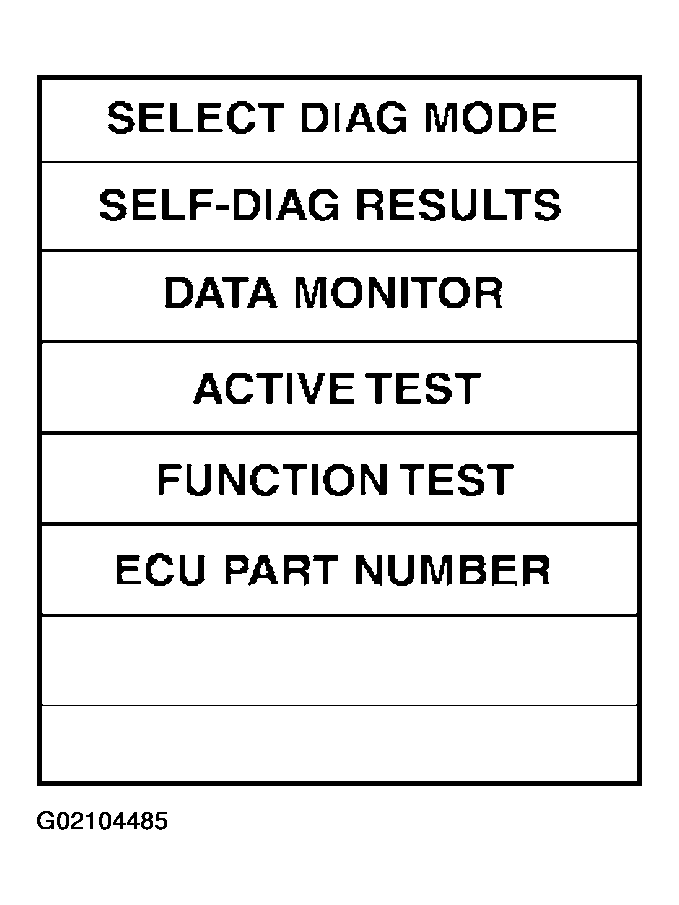 Courtesy of NISSAN MOTOR CO., U.S.A.
- Return to monitor item selection screen and touch any of "ECU INPUT SIGNALS", "MAIN SIGNALS", "CAN DIAG SUPPORT MNTR" or "SELECTION FROM MENU". Refer to
"DISPLAY ITEM LIST ".
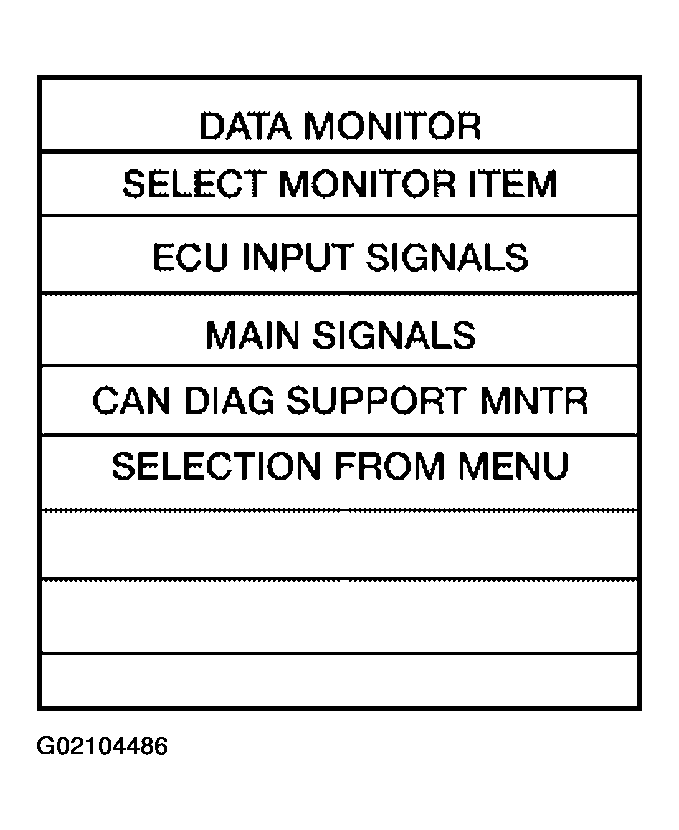 Courtesy of NISSAN MOTOR CO., U.S.A.
- Touch "START".
- Screen of data monitor is displayed.