Radio Antenna Cable Extension Cable Replacement
WARNING: This page is about a different car, the 2008 Cadillac DTS. However, it is still accessible from the selected car via links, so may be relevant.
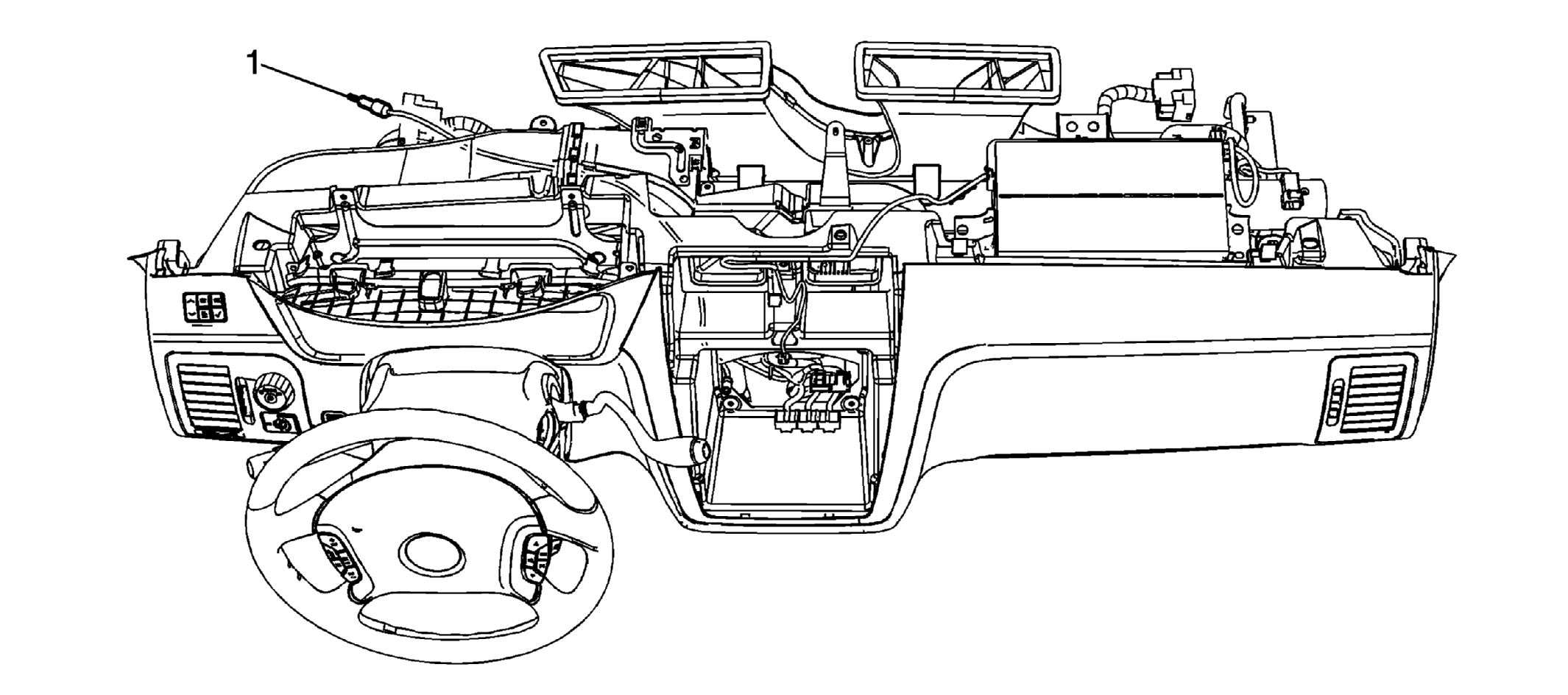 Courtesy of GENERAL MOTORS CORP.
| Callout |
Component Name |
|
Preliminary Procedures
- Remove the radio. Refer to Radio Replacement .
- Remove the upper instrument panel (I/P) trim pad. Refer to Instrument Panel Upper Trim Pad Replacement
.
|
| 1 |
Antenna Cable Extension
Tip:
- The antenna cable extension is part of the I/P wiring harness. Only cut old ends off. Do not try to remove the entire cable.
- Guide a piece of mechanic's wire, or equivalent, through the I/P and attach the new cable to the end of the mechanic's wire. Pull the new cable through the dash while removing the mechanic's wire.
|