Removal Procedure
- Insert a small, flat-bladed tool between the interior lamp/multifunction switch/reading lamp housing and the overhead console.
- Press inward and down in order to release the interior lamp/multifunction switch/reading lamp housing from the overhead console.
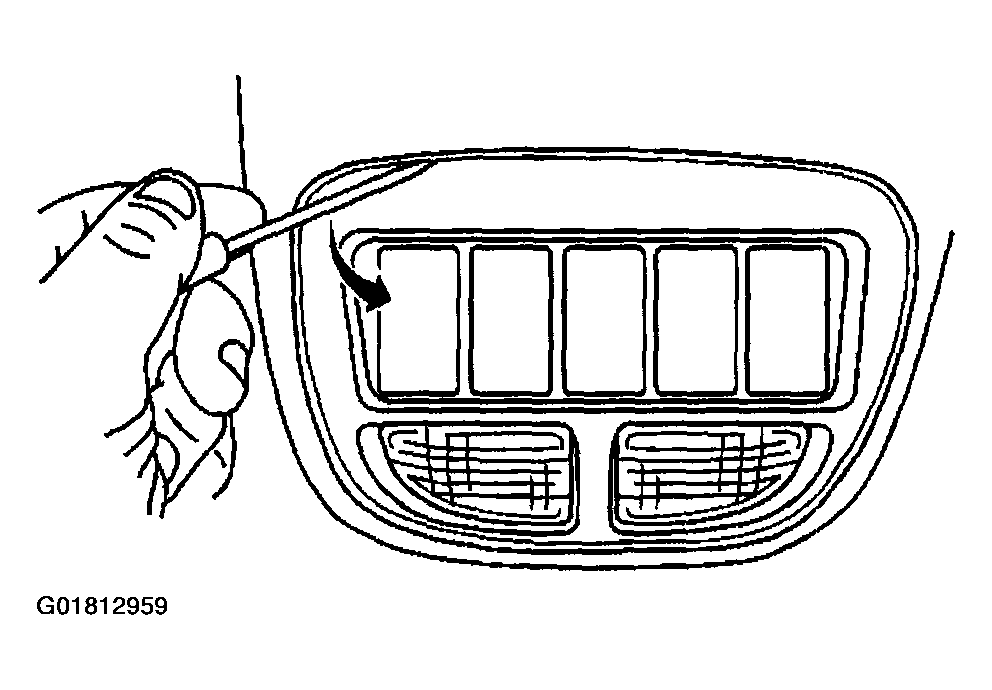 Courtesy of GENERAL MOTORS CORP.
- Remove the interior lamp/multifunction switch/reading lamp housing from the overhead console.
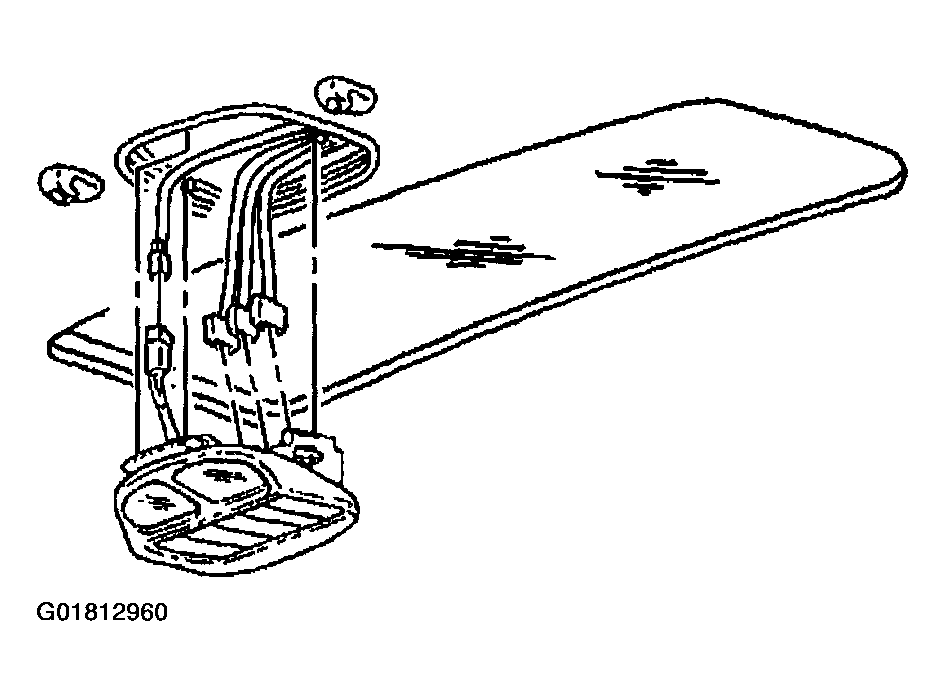 Courtesy of GENERAL MOTORS CORP.
- Disconnect the electrical connectors from the interior lamp/multifunction switch.
- Remove the interior lamp/multifunction switch by using pliers in order to compress the interior lamp/multifunction switch retainers while pulling switch away from the housing.
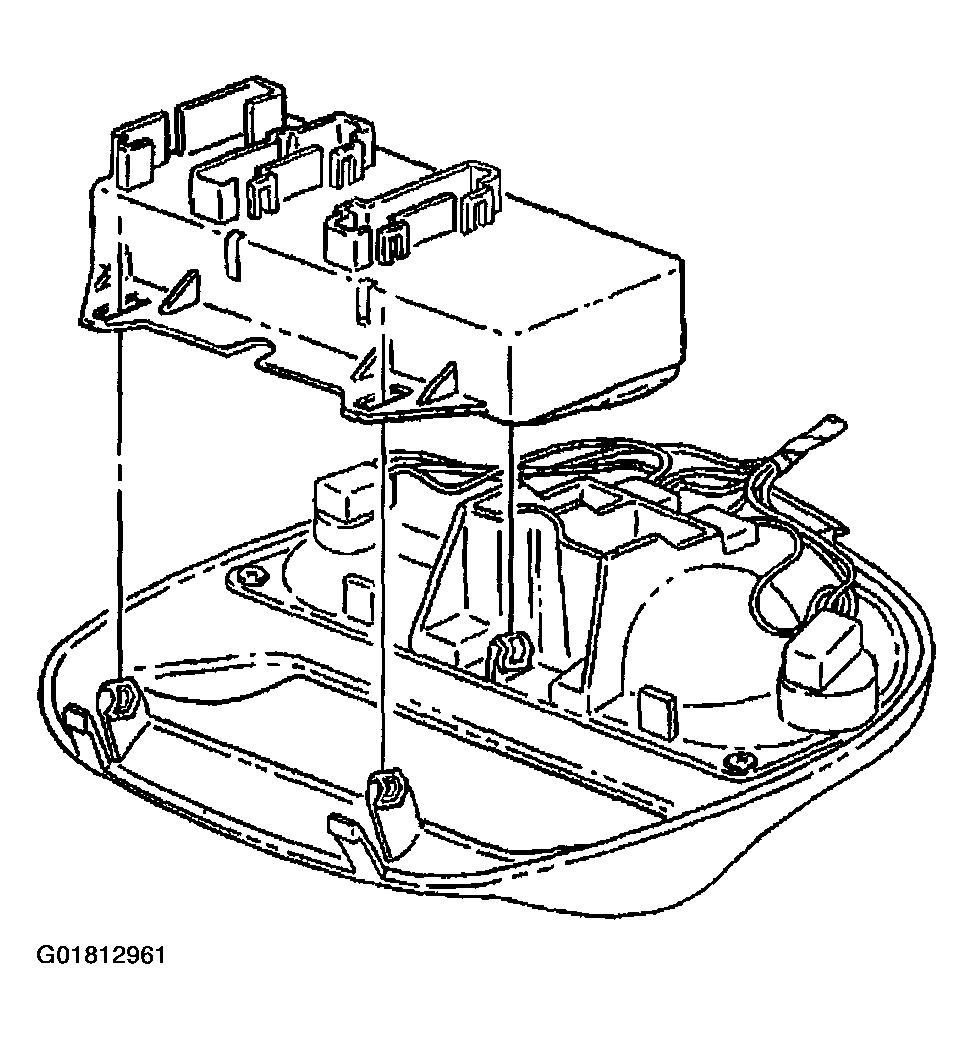 Courtesy of GENERAL MOTORS CORP.