Selecting and Viewing PIDs
Selecting and Viewing PIDsNGS Selection Menu:
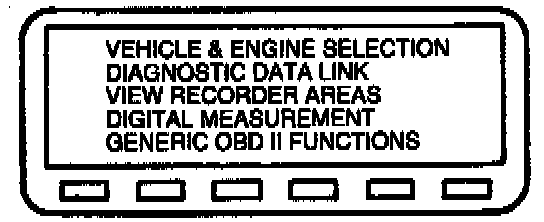
1. Select VEHICLE AND ENGINE SELECTION and enter the proper year, vehicle and engine package from the menu.
2. Select DIAGNOSTIC DATA LINK.
3. Select POWERTRAIN CONTROL MODULE (PCM).
4. Select PID/DATA MONITOR AND RECORD.
NGS Selection Menu:
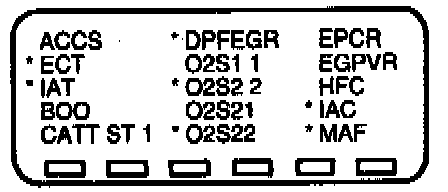
5. Select the PIDs from the intermittent symptom chart or the PCM Pinpoint test. The star symbol next to each PID on the screen indicates that PID has been selected.
6. Turn ignition key "On" or start vehicle.
7. Select the START key and access the PIDs.