Manual Update Procedure
NOTE:In the event menu option "01. LC 1.6 DOHC 02MY ECM [AUTO MODE]" fails to download the new ECM program, option "02. LC 1.6 DOHC 02MY ECM [ERROR MODE]" must be used.
1. Turn the ignition to the ON position.
2. Turn the Hi-Scan Pro ON and press ENTER.
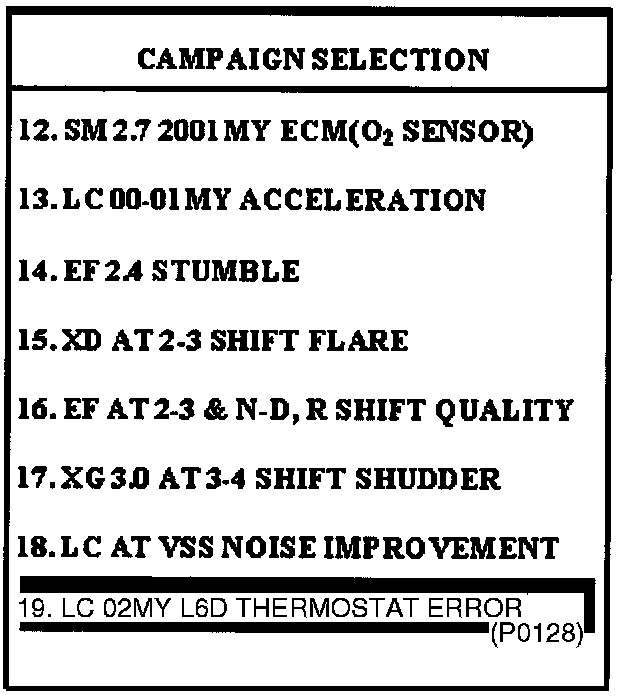
3. Select option "19. LC 02MY 1.6D THERMOSTAT ERROR (P0128)" and press ENTER.
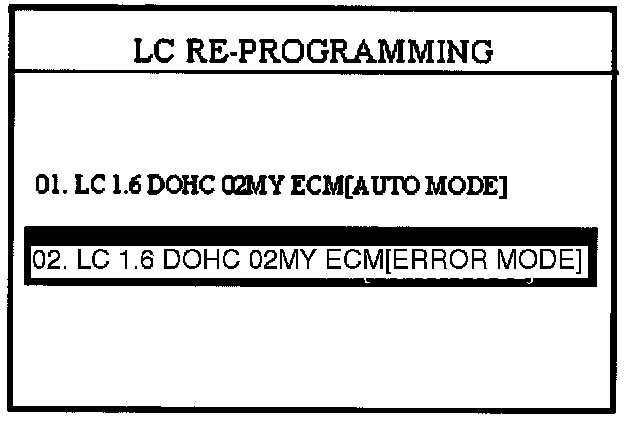
4. Select option "02.LC 1.6 DOHC O2MY ECM [ERROR MODE]" for manual update.
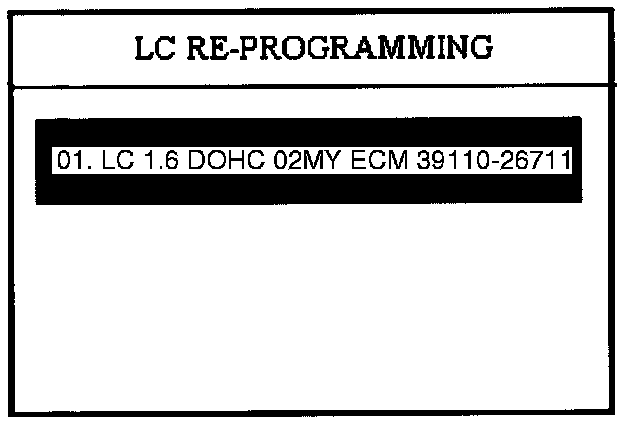
5. Select "01. LC 1.6 DOHC 02MY ECM: 39110-26711" and press ENTER.
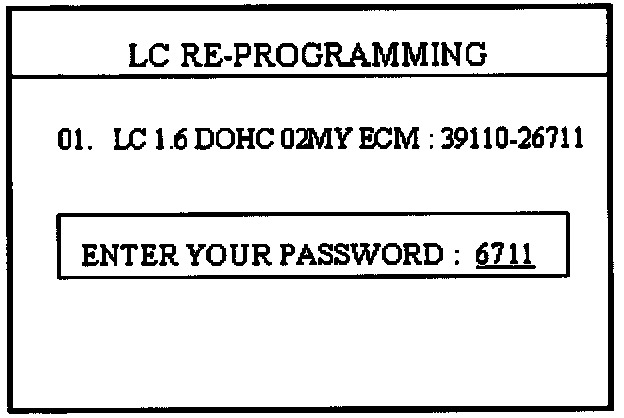
6. Enter "6711" as the password for the manual update mode and press ENTER.
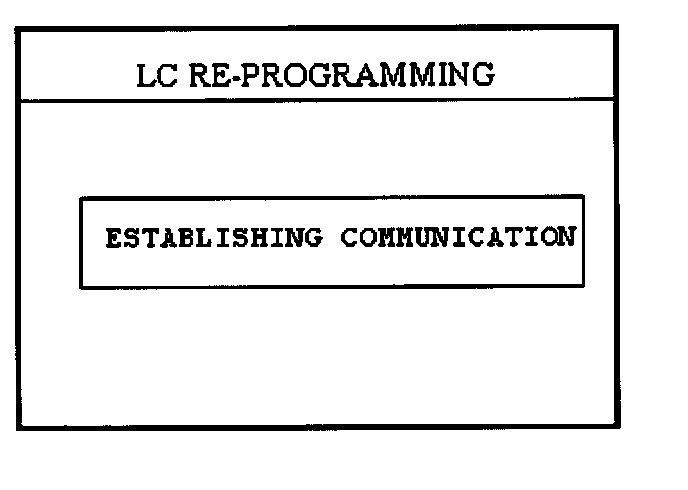
7. Wait until the reprogramming is completed. The Hi-Scan Pro will reprogram the ECM.
NOTE:
Once the password is entered and accepted, the rest of the procedure is exactly the same as the automatic update procedure.
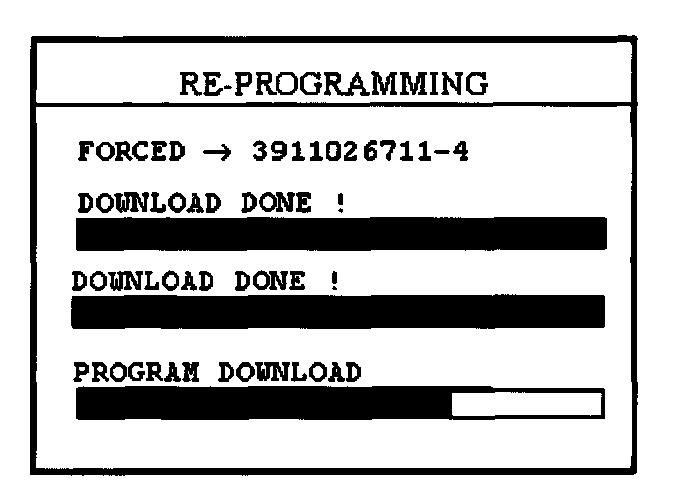
NOTE:
Check the new ECM ID displayed on the Hi-Scan Pro screen to verify that the correct ECM software has been installed. Refer to the "ECM SPECIFICATIONS TABLE" in this TSB.
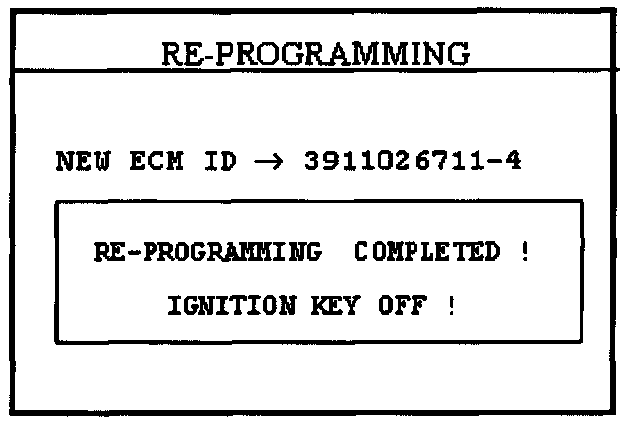
8. When the COMPLETED message is displayed, turn the Hi-Scan Pro OFF and the process is complete.
9. Turn the ignition to the OFF position for 20 seconds and then start the engine to check for proper operation.