GDS Installation Procedure
GDS INSTALLATION PROCEDURE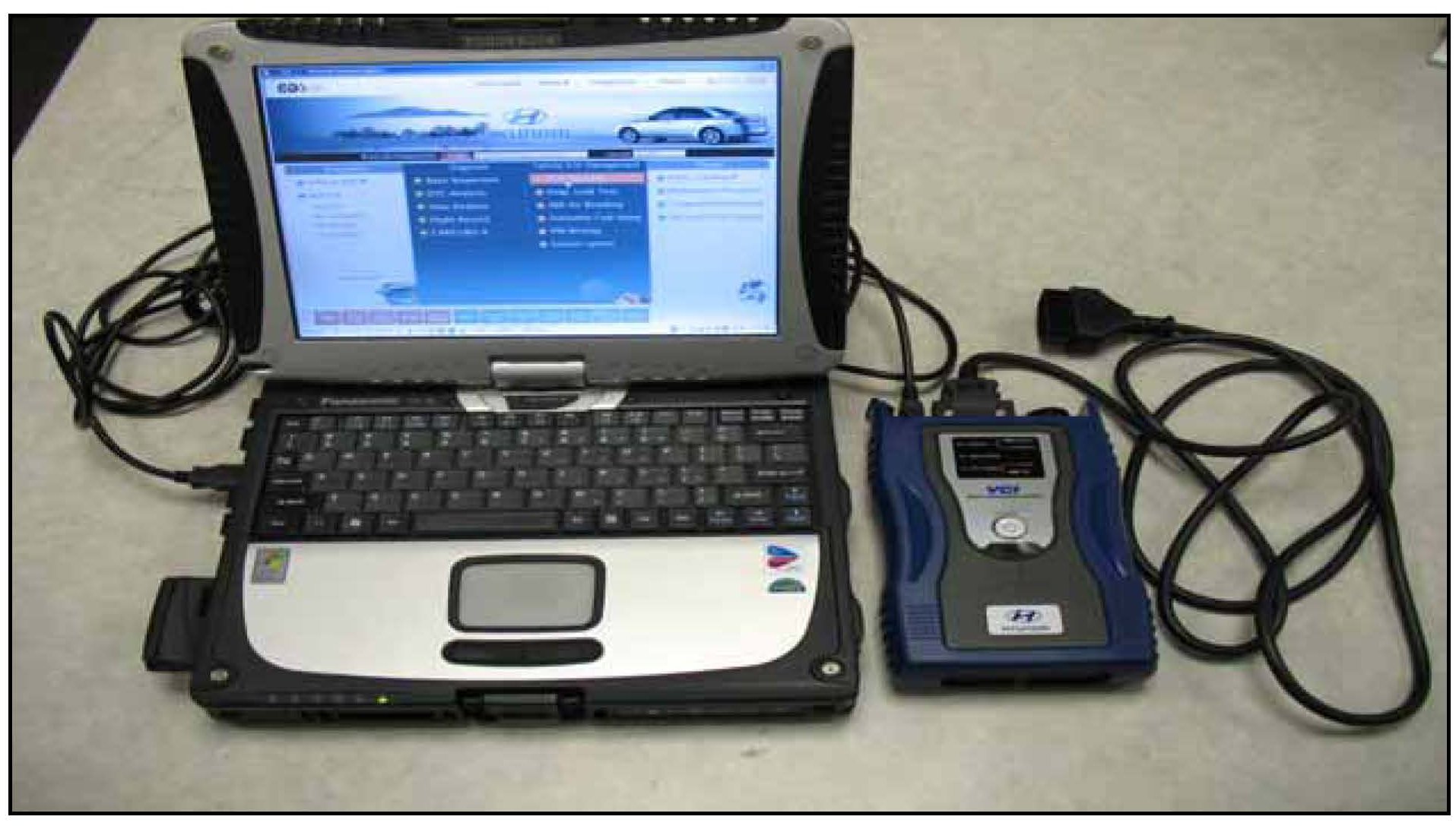
WARNING:
Make sure that the battery symbol indicator at the bottom right tray of the GDS laptop shows at least 25% so there will be enough power to perform the reprogram; if it has less, charge the GDS laptop by connecting the power adaptor cable for at least 1/2 hour or leave it connected for the reprogram procedure if possible.
1. Connect the USB cable between the GDS laptop USB port and the VCI.
NOTE:
When performing the reprogramming using the GDS, wireless communication between the VCI and GDS laptop cannot be used; you must connect the USB cable between the GDS laptop and the VCI.
2. Plug the VCI's DLC connector to the vehicle's DLC connector.
3. Turn on the VCI and GDS laptop, and then perform reprogramming in accordance with the instructions of the procedures shown in this bulletin.