October 30: LEMON manuals on a temporary server, it is slow and having issues, download the manuals you need! Later in November we will switch back to the fast server.
Driver Power Window Switch
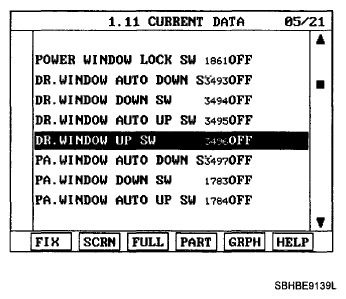
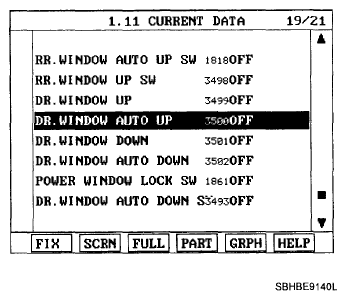
- When checking the driver power window switch, select a vehicle type and "BODY CONTROL MODULE" menu.
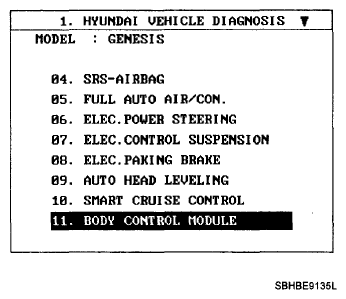 Courtesy of HYUNDAI MOTOR CO.
- Select "DRIVER DOOR MODULE (DDM)".
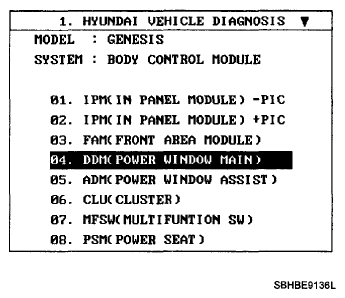 Courtesy of HYUNDAI MOTOR CO.
- Select option "Input/Output monitoring".
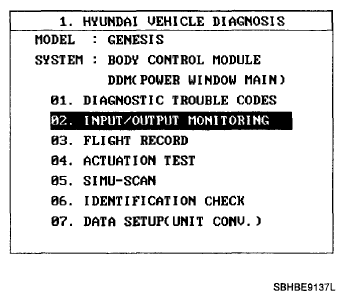 Courtesy of HYUNDAI MOTOR CO.
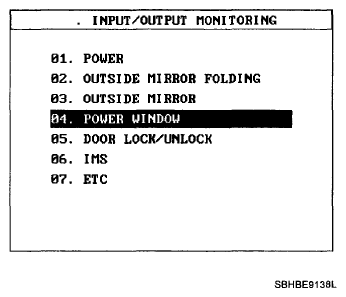 Courtesy of HYUNDAI MOTOR CO.
 Courtesy of HYUNDAI MOTOR CO.
 Courtesy of HYUNDAI MOTOR CO.
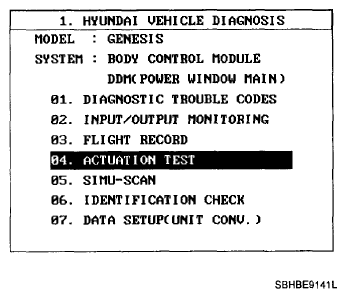
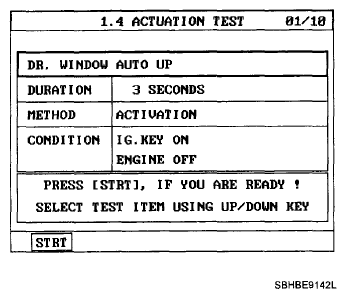
- To check the input value of power window switch in force mode, select option "ACTUATION TEST".
 Courtesy of HYUNDAI MOTOR CO.
 Courtesy of HYUNDAI MOTOR CO.