Variant Coding Procedure
- On-line type on GDS
- Turn the ignition switch OFF.
- Connect the GDS.
- Turn the ignition switch ON without the engine running.
- Select vehicle name and airbag system.
- Select variant coding mode.
- Follow the steps on the screen below.
- Initial ACU Variant Coding screen
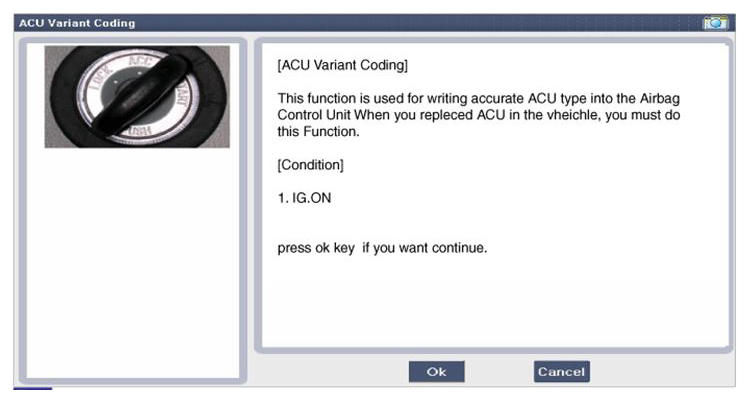 Courtesy of HYUNDAI MOTOR AMERICA
- VIN Code entering screen
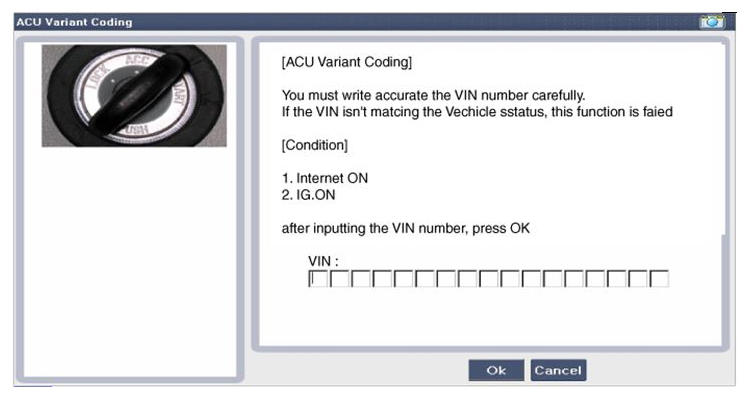 Courtesy of HYUNDAI MOTOR AMERICA
- Variant Coding's proceeding screen-1
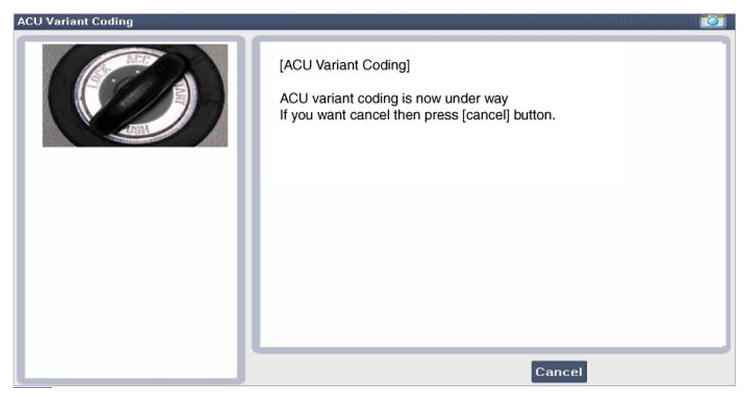 Courtesy of HYUNDAI MOTOR AMERICA
- Variant Coding's proceeding screen-2
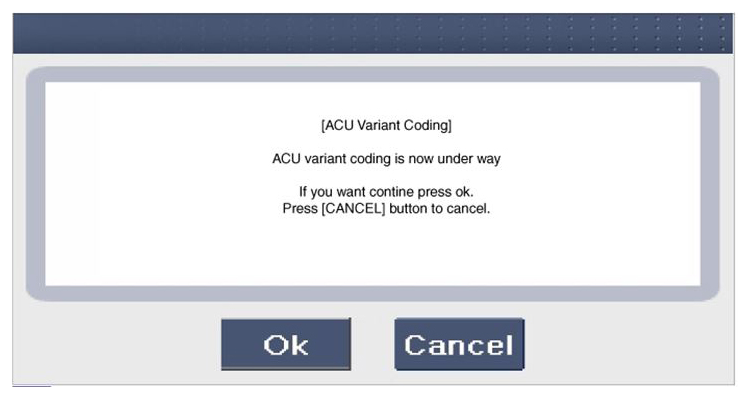 Courtesy of HYUNDAI MOTOR AMERICA
- Variant Coding is completed
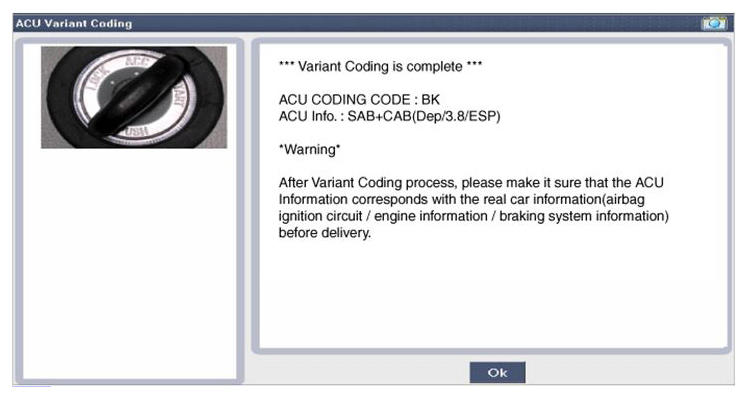 Courtesy of HYUNDAI MOTOR AMERICA
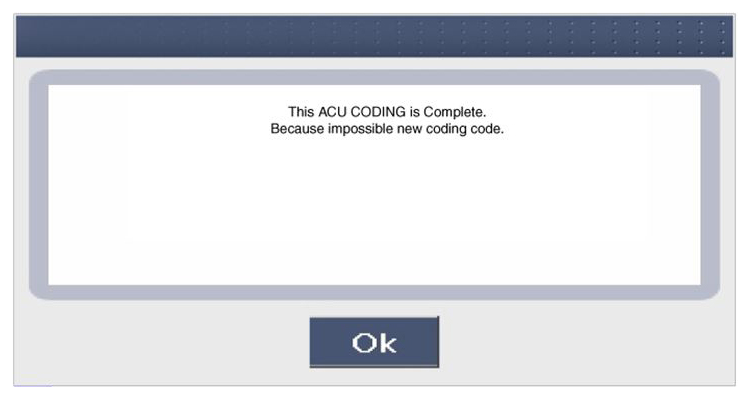
NOTE:
- This screen is shown when you try variant coding on the SRSCM which has been performed before.
 Courtesy of HYUNDAI MOTOR AMERICA
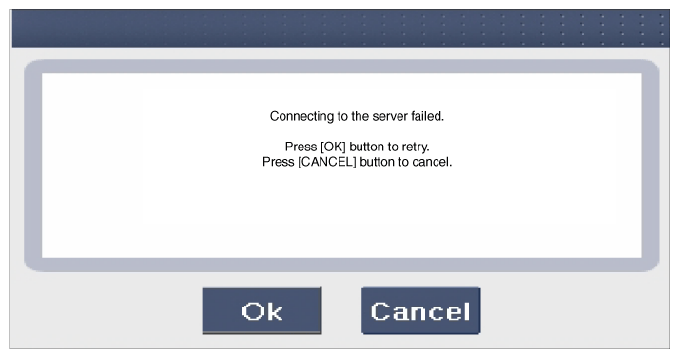
- This screen is shown when communication failure has occurred.
 Courtesy of HYUNDAI MOTOR AMERICA
- Off-line type on GDS (Use when not connected to the internet)
- Turn the ignition switch OFF.
- Connect the GDS.
- Turn the ignition switch ON without the engine running.
- Select vehicle name and airbag system.
- Select variant coding mode.
- Follow the steps on the screen below.
- Initial ACU Variant Coding screen
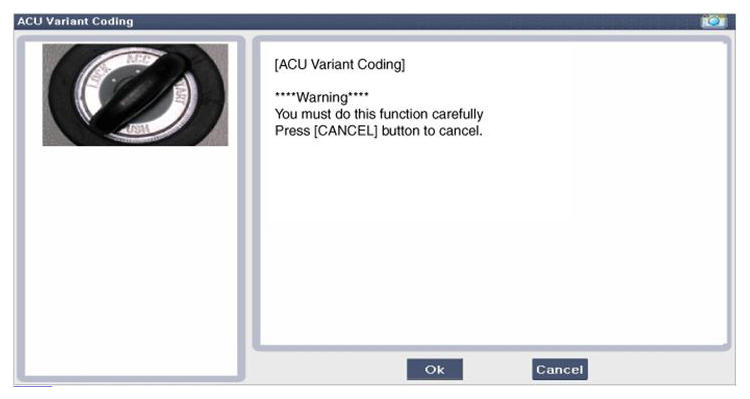 Courtesy of HYUNDAI MOTOR AMERICA
- ACU Coding Code entering screen
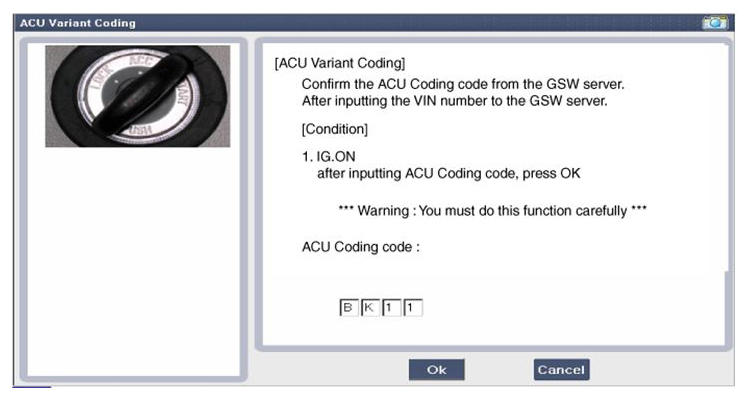 Courtesy of HYUNDAI MOTOR AMERICA
- Rechecking ACU Coding Code entering screen
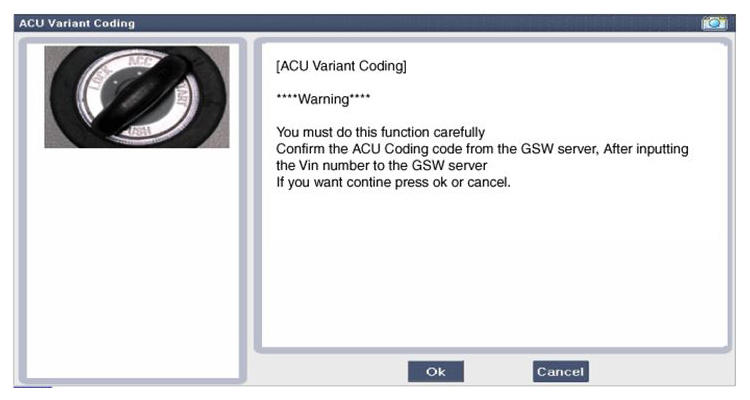 Courtesy of HYUNDAI MOTOR AMERICA
- Variant Coding's proceeding screen-1
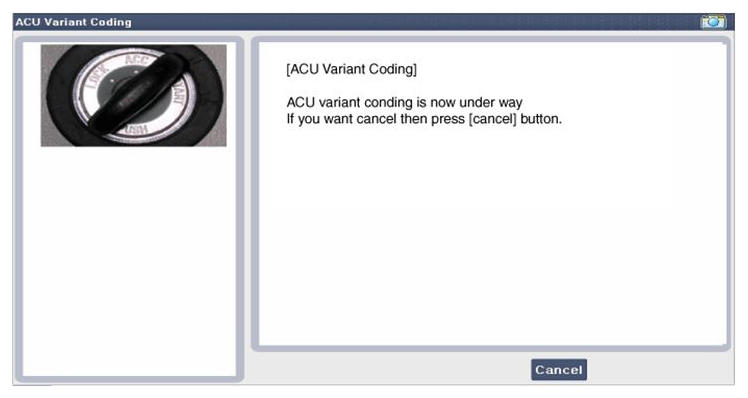 Courtesy of HYUNDAI MOTOR AMERICA
- Variant Coding's proceeding screen-2
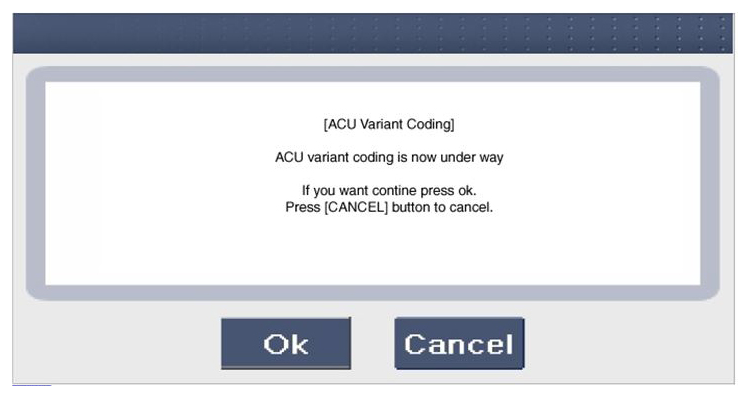 Courtesy of HYUNDAI MOTOR AMERICA
- Variant Coding is completed
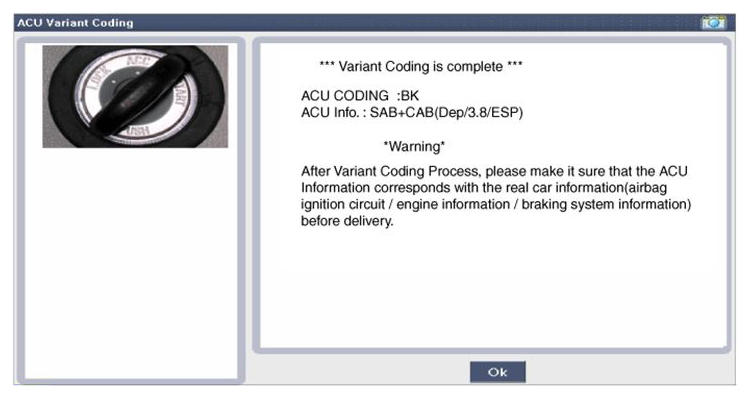 Courtesy of HYUNDAI MOTOR AMERICA
NOTE:
- This screen is shown when you try variant coding on the SRSCM which has been performed before.
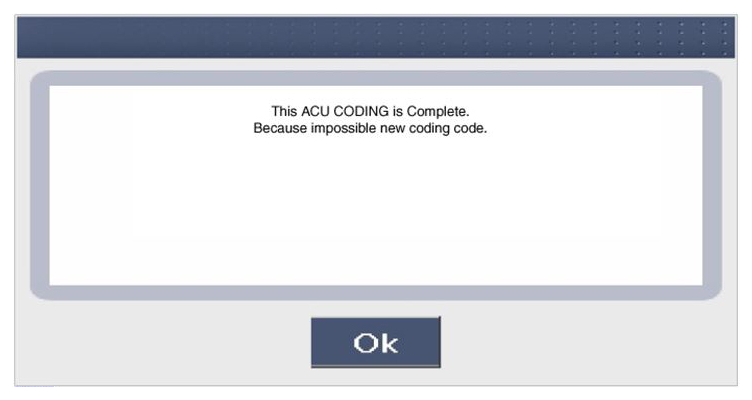 Courtesy of HYUNDAI MOTOR AMERICA