Operation And Display
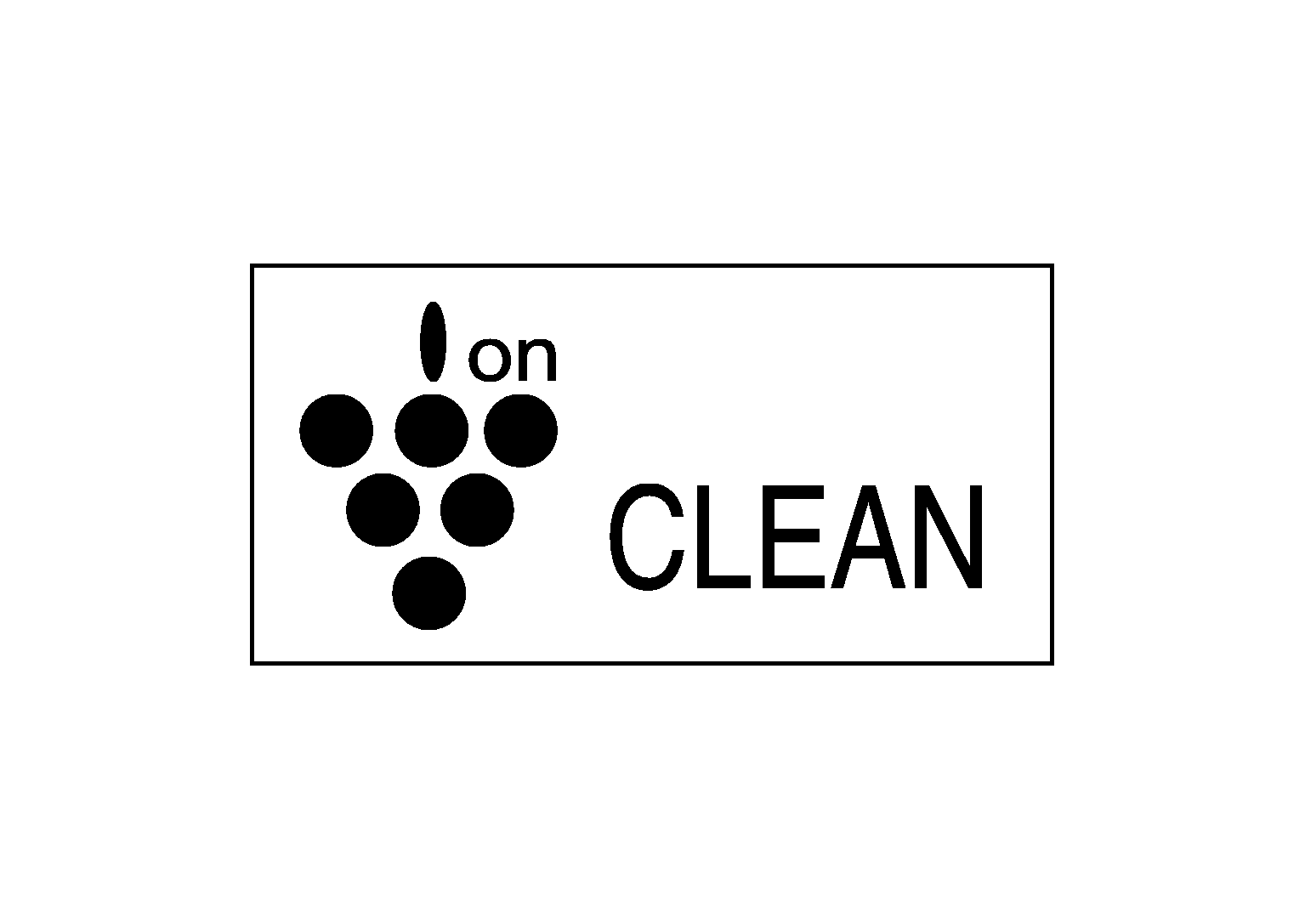
PLASMACLUSTER™ ION DISPLAY
- Plasmacluster™
control state is indicated on the display unit.
- Plasmacluster ™
ion display is switched as shown in the figure below depending on air flow.
NOTE:
- Plasmacluster™
ion technology developed by Sharp Corporation is installed in this item.
- Plasmacluster™
is a trademark of Sharp Corporation.
- When air flow is small
 Courtesy of NISSAN NORTH AMERICA, INC. Courtesy of NISSAN NORTH AMERICA, INC.
|
- When air flow is large
 Courtesy of NISSAN NORTH AMERICA, INC. Courtesy of NISSAN NORTH AMERICA, INC.
|
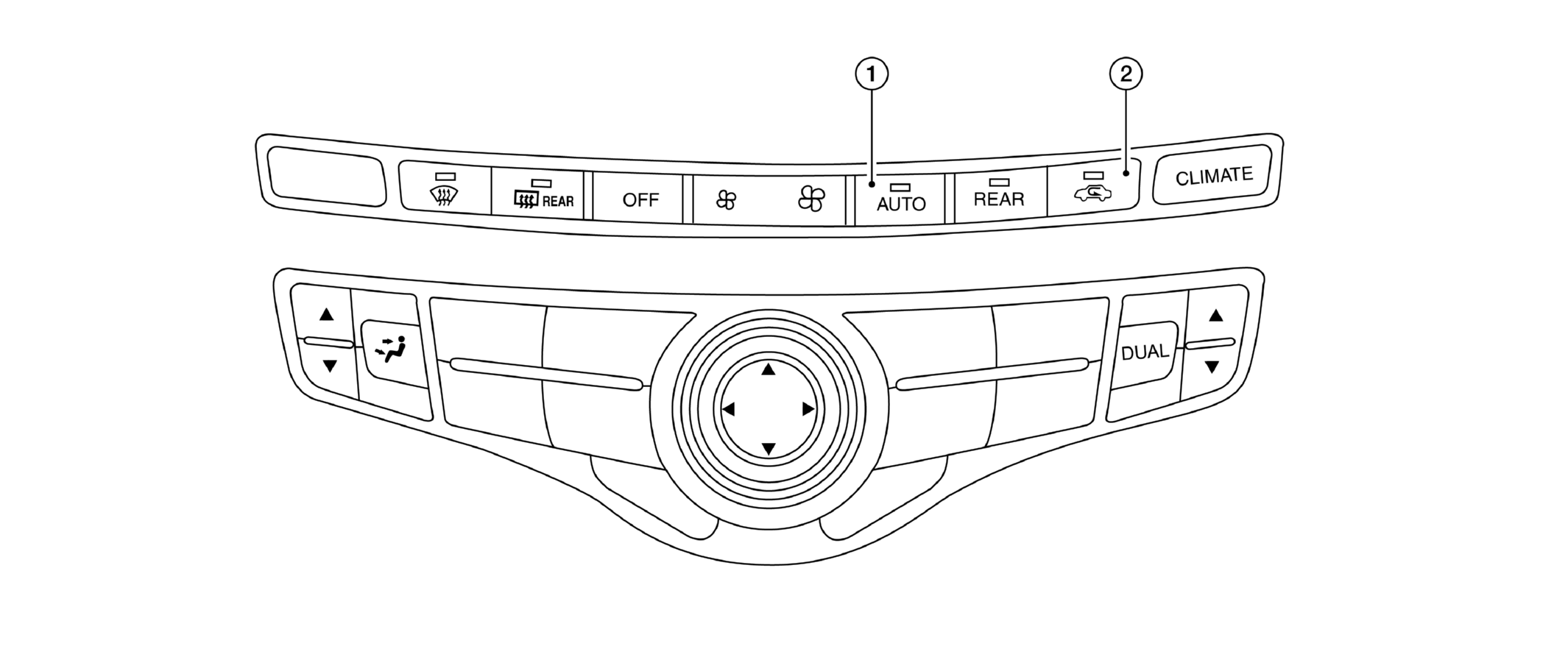
CONTROLLER (MULTIFUNCTION SWITCH)
 Courtesy of NISSAN NORTH AMERICA, INC. Courtesy of NISSAN NORTH AMERICA, INC.
|
| 1. |
Auto switch |
2. |
Intake switch |
|
|
| Switch name |
Function |
| AUTO switch |
Turns the switch indicator lamp and "AUTO" indicator on the display ON, and then front air conditioning system becomes the following state.
- Air inlet: Automatic control
- Air outlet: Automatic control
- Blower fan: Automatic control
- Compressor: ON
|
| Intake switch |
- Automatic intake control (exhaust gas / outside odor detecting mechanism) mode (switch indicator) changes between ON ==> OFF each time when auto intake switch is pressed while front blower motor is activated.
- When auto intake switch turns ON, front air conditioning system becomes the following status.
- A/C switch: ON
- Air inlet: Recirculation [After approximately 5 minutes, air inlet is switched to automatic intake control (exhaust gas / outside odor detecting mechanism).]
- When auto intake switch turns ON → OFF, air inlet becomes the fresh air intake.
|