Transponder Program
- Select "Body" and "Immobilizer".
- Select "Programming" and "Program Transponder-Keys".
- See immobilizer status on Tech 2 screen, and enter security code. If the status does not allow the programming, only immobilizer status is displayed.
- Insert Non-programmed Transponder-key and press soft key of "Confirm".
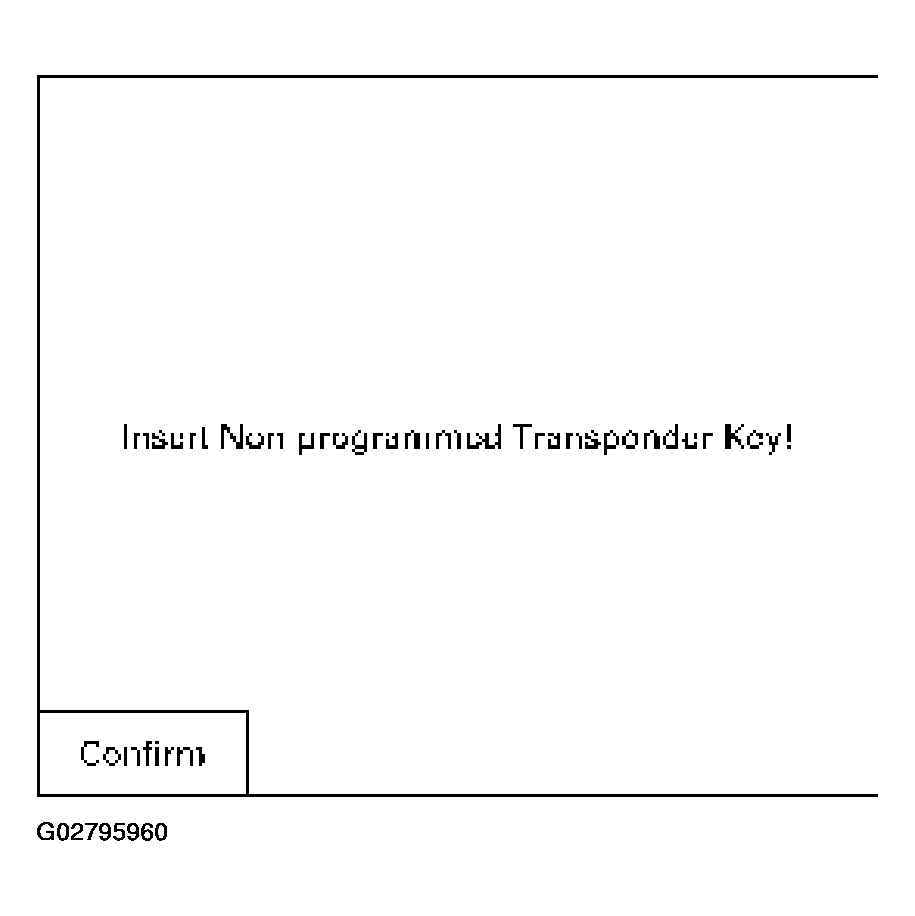 Courtesy of ISUZU MOTOR CO.
- "Turn On ignition key", is displayed if the ignition is off.
- The transponder status is displayed if the status does not allow the programming.
- When programming starts "Programming Transponder - key!" is displayed.
- Turn off Ignition key.
- Turn On Ignition key.
- If the programming was not successful, the transponder status is only displayed.
- To program more illustration press soft key.
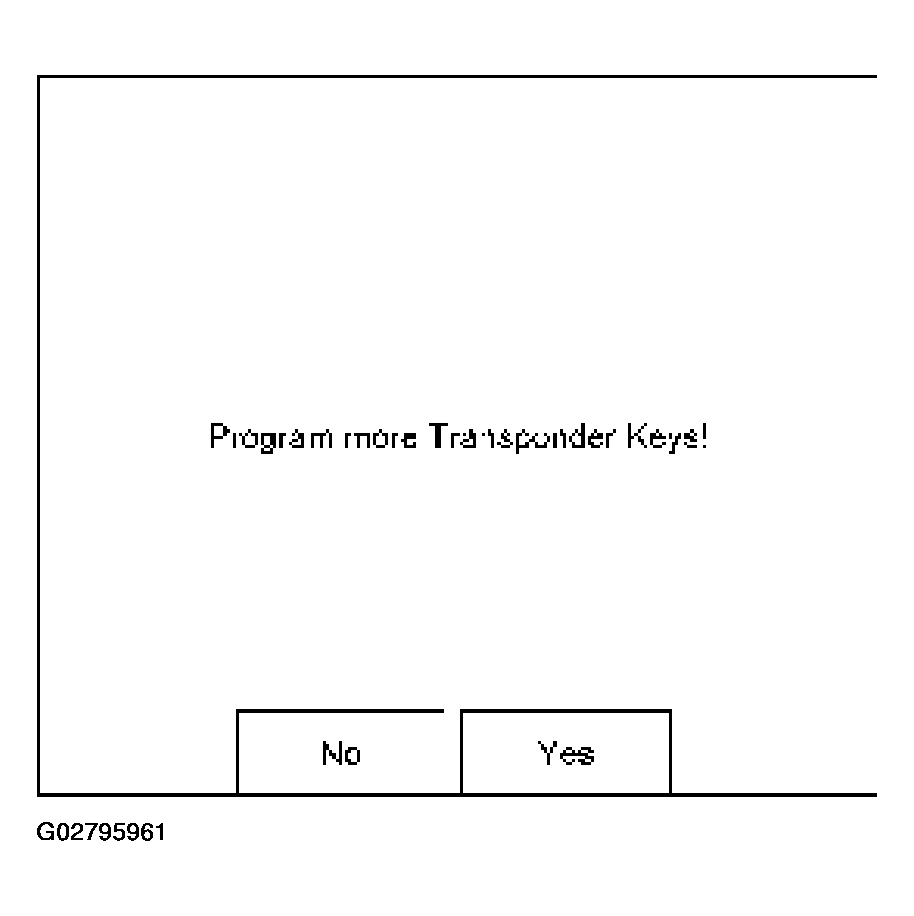 Courtesy of ISUZU MOTOR CO.
- See programming result.