Tool Load
NOTEThere are three separate processes used to update the Map Data on the vehicle:
^ Loading the Map Data onto the Navigation Update Tool
^ Loading the Map Data security key onto the Navigation Update Tool
^ Loading the Map Data into the vehicle HDD Navigation System
1. Generation 5
2. Generation 6
If the Map version on the Navigation Update Tool is the same as shown on TIS, then go to the "Security Key Load" section in this TSIB.
If the Map version on the Navigation Update Tool is NOT the same as shown on TIS, then follow the instructions below.
Loading Map Data onto Navigation Update Tool
NOTE
Before performing this procedure, disconnect all other USB peripheral and external storage devices (i.e., USB thumb drives, hard drives, cameras, mice, etc.).
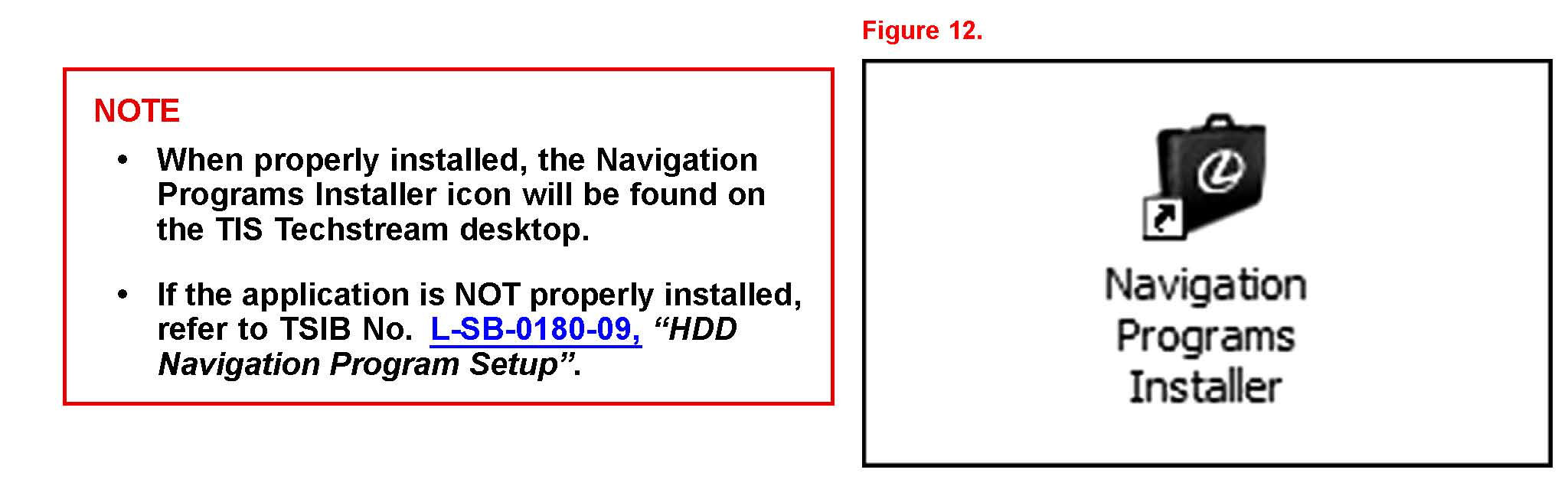
1. Open the Navigation Programs Installer
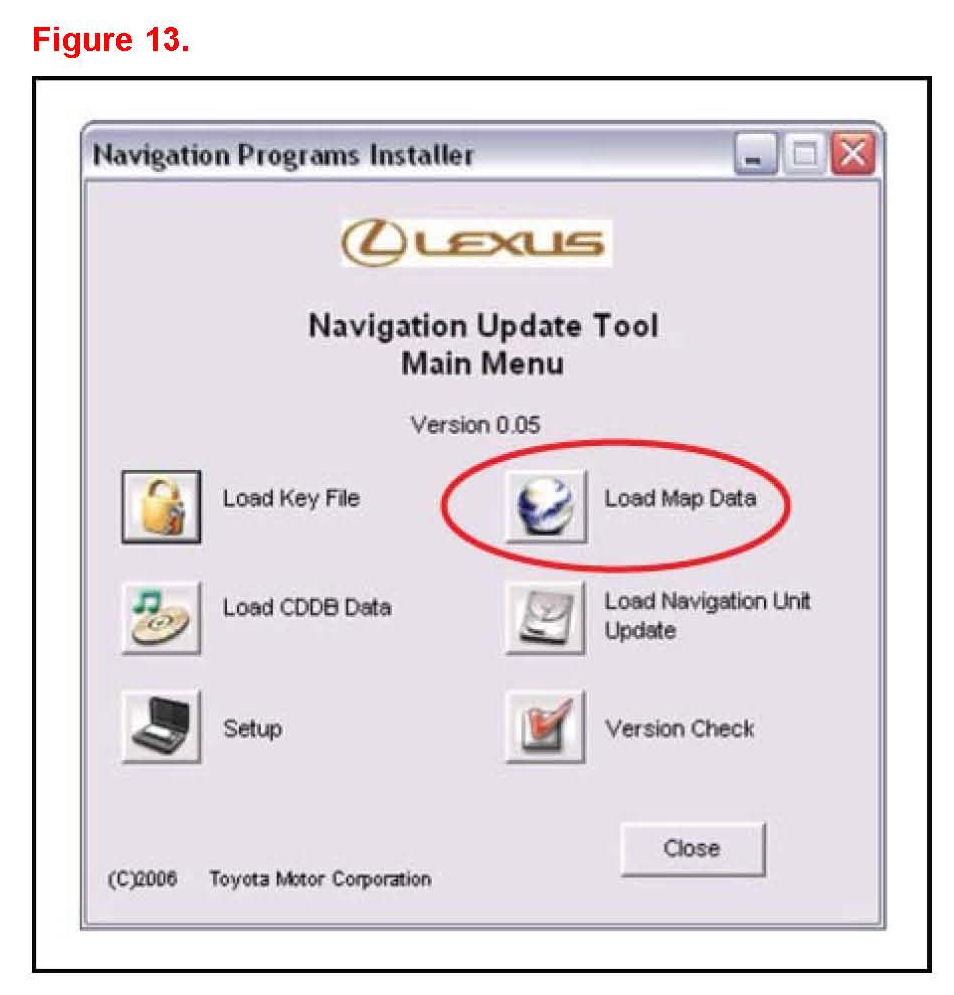
2. Select Load Map Data on the Navigation Update Tool Main Menu.
3. Connect the Navigation Update Tool.
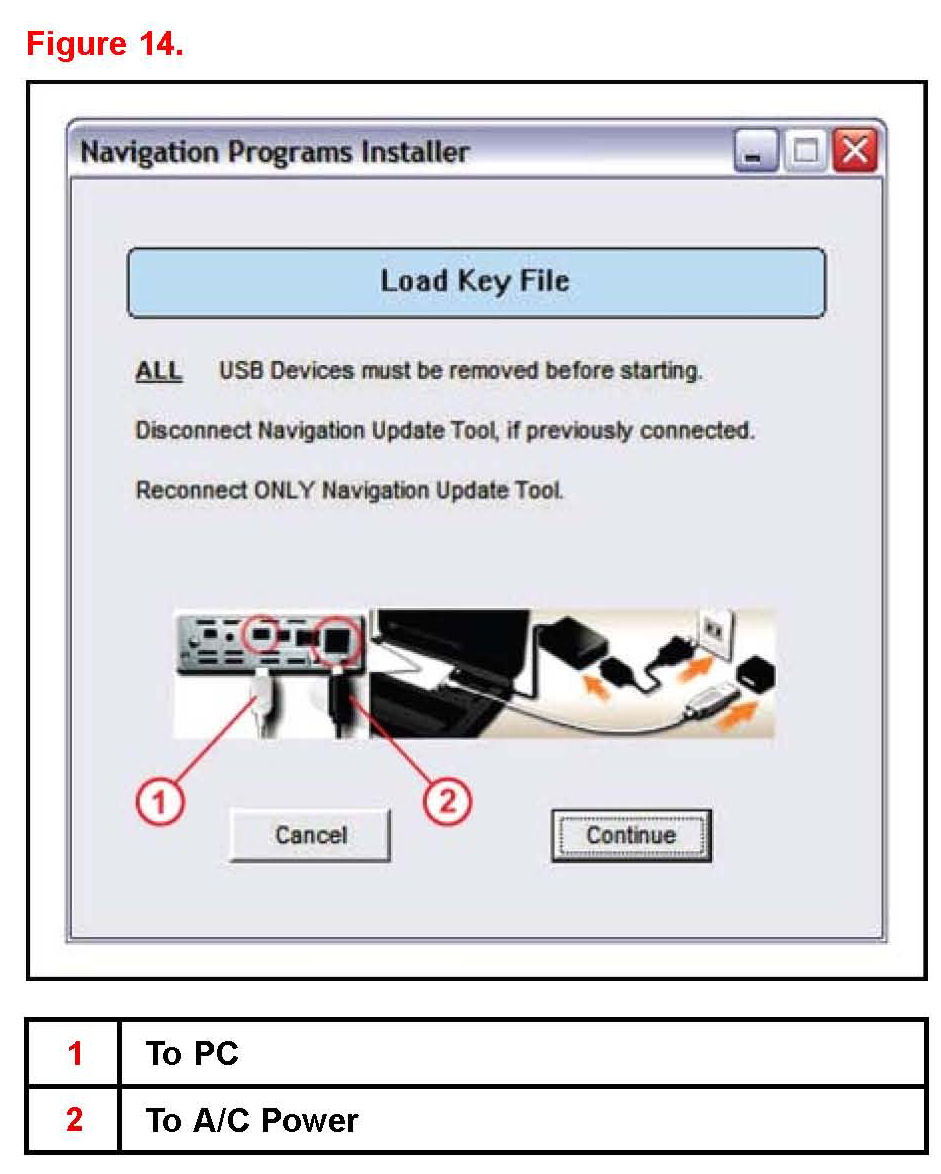
A. Make sure the USB cable is secured in both the PC and the Navigation Update Tool USB ports.
B. Confirm that the Navigation Update Tool is powered correctly.
C. Turn power ON.
D. Press Continue.
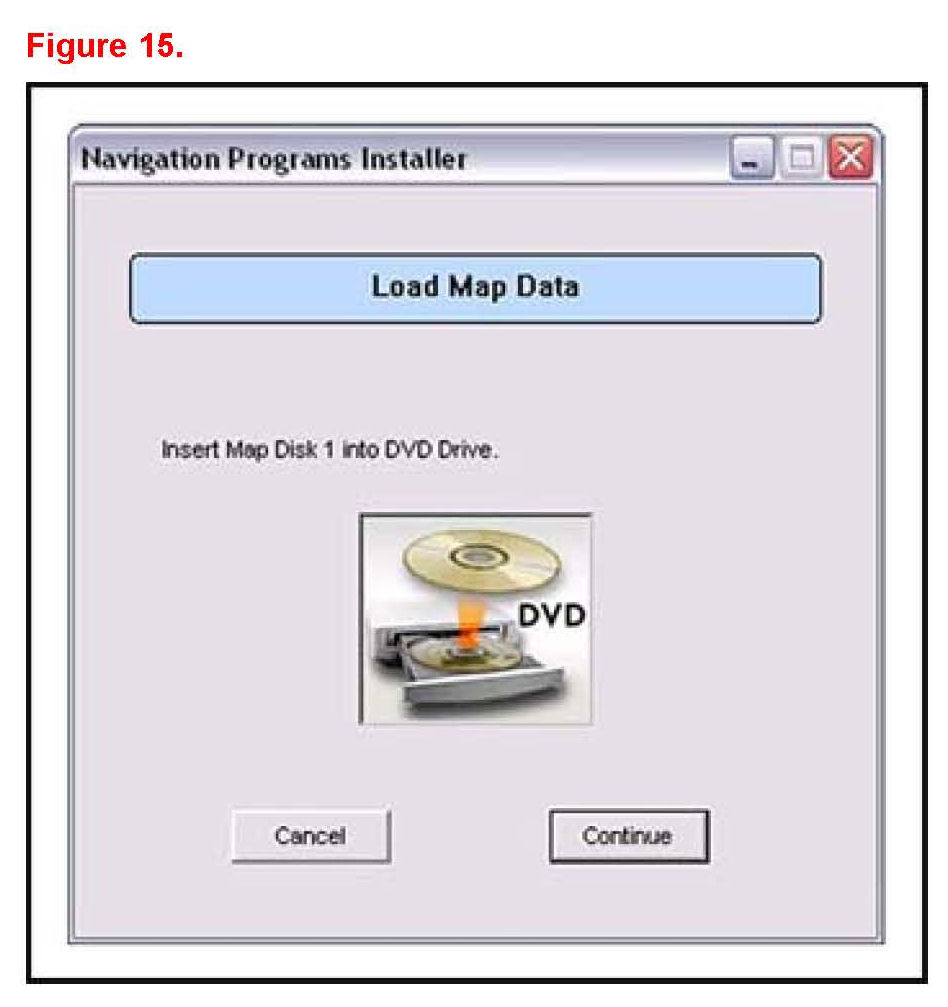
4. Insert Map Disk 1 into the CD/DVD-ROM drive and press Continue.
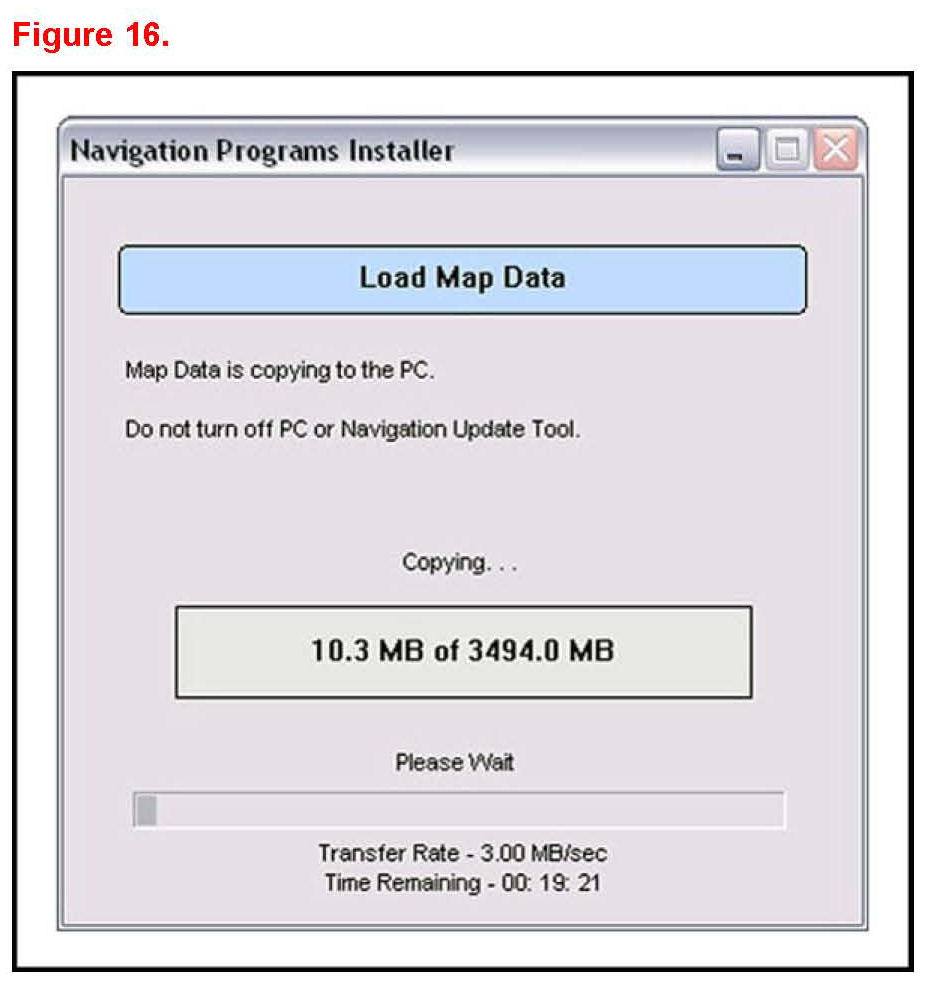
5. Allow Map Data to copy onto the PC hard drive (requires about 30 minutes).
If necessary:
^ Insert the additional Map Disk as instructed into the CD/DVD-ROM drive.
^ Allow the additional Map Data to copy onto the PC hard drive (requires about 30 minutes).
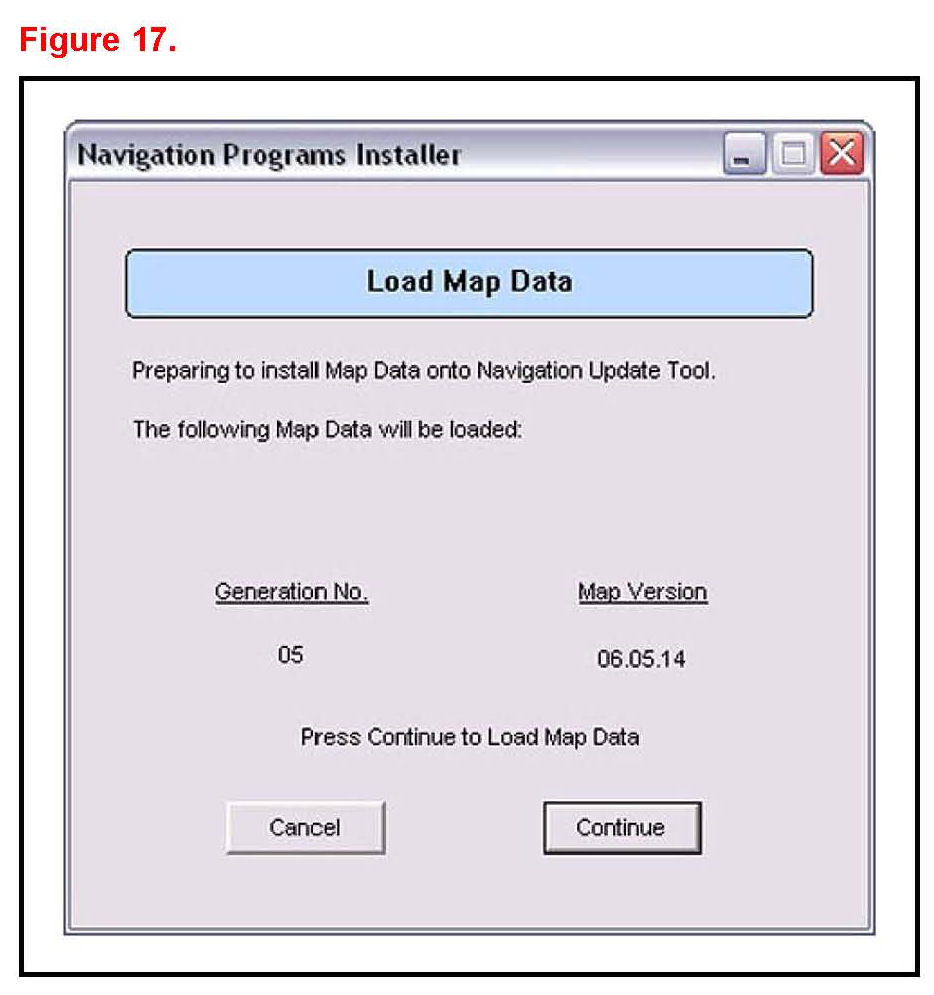
6. Verify the correct version of Map data to load onto the Navigation Update Tool.
7. Click Continue to load Map Data onto the Navigation Update Tool.
Map Data will then copy to the Navigation Update Tool (requires about 15 minutes).
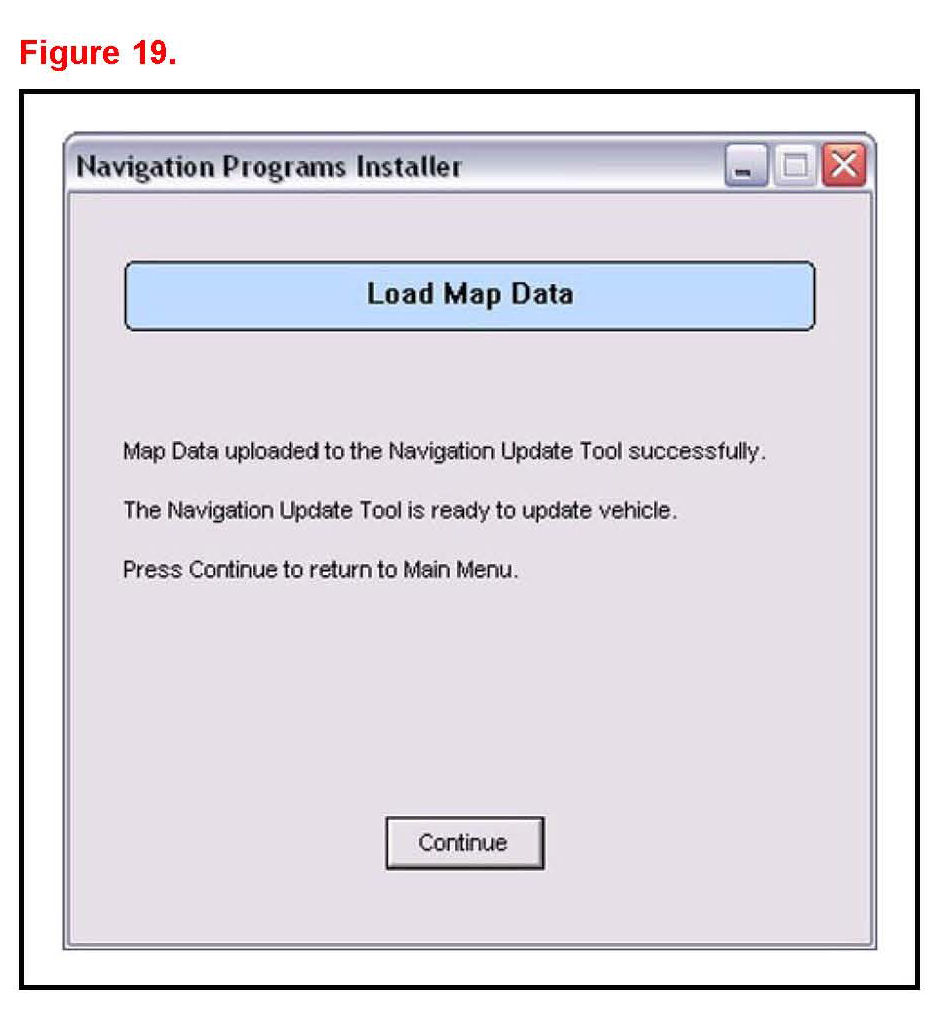
8. Verify the Map Data is loaded onto the Navigation Update Tool and can now be used to update the vehicle.