>>J<< Rack Support Cover/Jam Nut Installation
- Position the rack at its center.
- Apply 3M™ AAD Part number 8661, 8663, 8672, 8678, 8679 or equivalent to the threaded part of the rack support cover.
- Use special tools MB990607 or MB991621 to tighten the rack support cover to 23 +/- 2 N.m (17 +/- 1 ft-lb).
- MB990607: Torque Wrench Socket < Vehicles with 14 and 15 inch tire >
- MB991621: Piston Driver < Vehicles with 16 inch tire >
- Turn the rack support cover 30 degree angle counterclockwise.
- Use special tools MB990607 or MB991621 to hold the rack support cover, and then tighten the jam nut to 59 +/- 10 N.m (44 +/- 7 ft-lb).
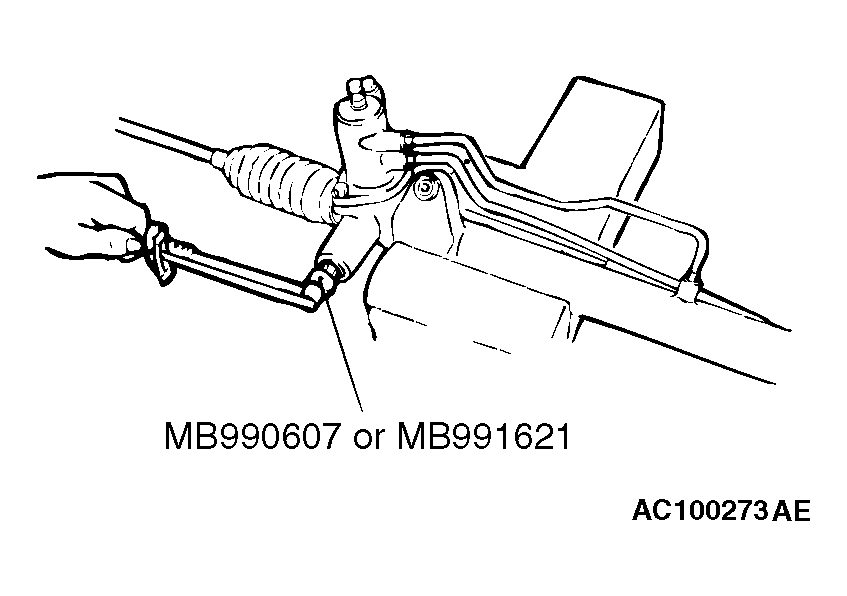 Courtesy of MITSUBISHI MOTOR SALES OF AMERICA.