TMC Sensitivity
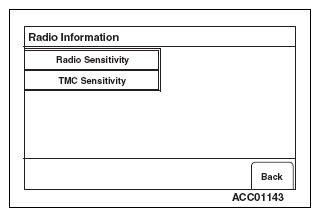
- Select "TMC Sensitivity" on "Radio Information" screen.
 Courtesy of MITSUBISHI MOTOR SALES OF AMERICA.
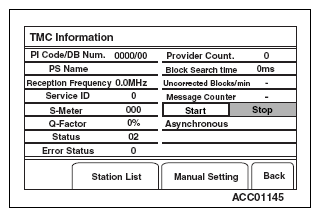
- "TMC information" screen will be displayed.
NOTE:
- When the screen is switched, an automatic search will be performed along the whole frequency bands. Then twelve radio stations will be stored in the order of stronger frequencies, and then the radio station of strongest frequency will be displayed.
- When "Start" button is selected, the current radio station will be diagnosed.
 Courtesy of MITSUBISHI MOTOR SALES OF AMERICA.
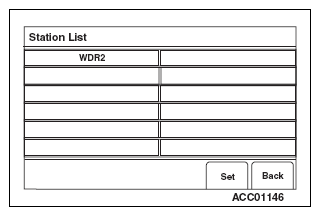
- Select "Station List" on "TMC information" screen. Then select and preset one of the displayed radio stations.
 Courtesy of MITSUBISHI MOTOR SALES OF AMERICA.
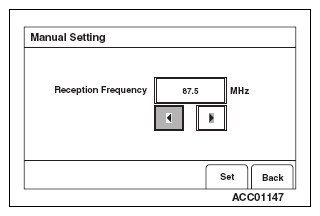
- Select "Manual Setting" on "TMC information" screen. Then preset a radio station by pressing "<" or ">".
 Courtesy of MITSUBISHI MOTOR SALES OF AMERICA.