Operation Procedure
- Turn ignition switch to the ON position.
- Turn the audio unit off.
- While pressing the "1" button, turn the volume control dial clockwise or counterclockwise 30 clicks or more. When the self-diagnosis mode is started, a short beep will be heard.
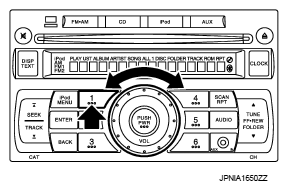 Courtesy of NISSAN NORTH AMERICA, INC.
- Initially, all display segments will be illuminated.
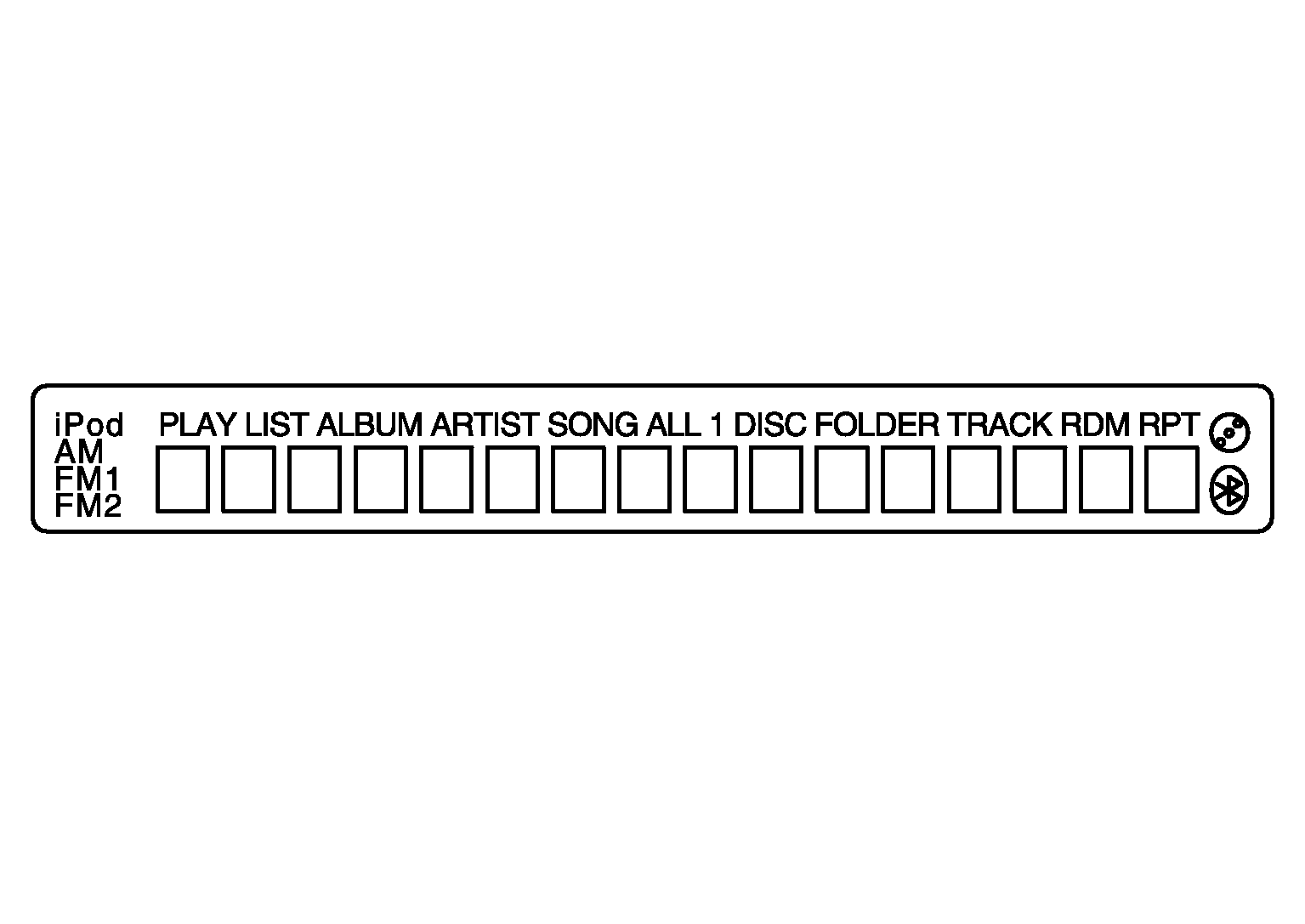 Courtesy of NISSAN NORTH AMERICA, INC.
- Press the "DISP TEXT" switch to enter version diagnostics. "Soft" (audio software version) is displayed.
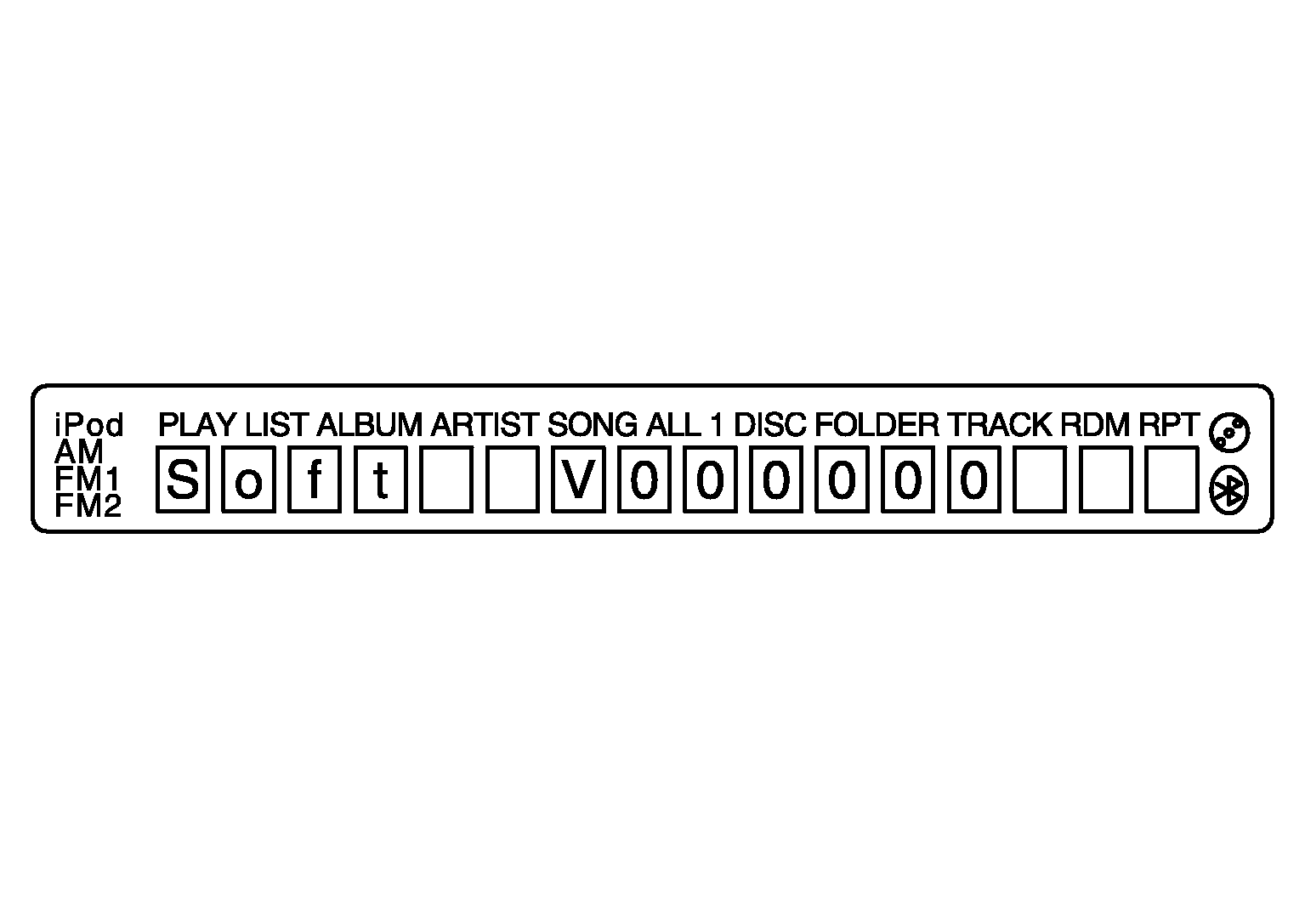 Courtesy of NISSAN NORTH AMERICA, INC.
- Press the "DISP TEXT" switch again to display the "Hard" (audio hardware version).
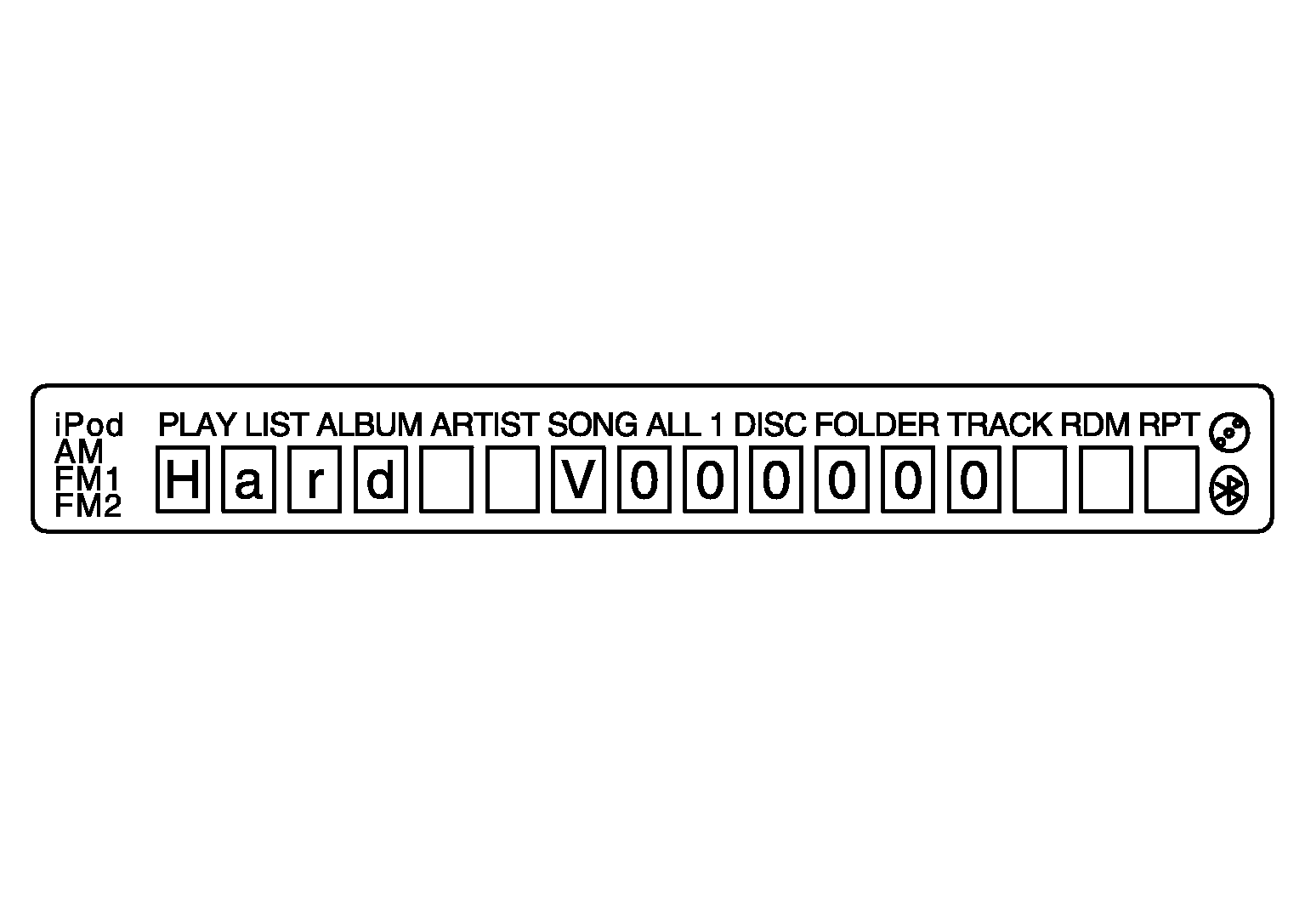 Courtesy of NISSAN NORTH AMERICA, INC.
- Press the "DISP TEXT" switch again to display the "CD Mech" (CD mechanism version).
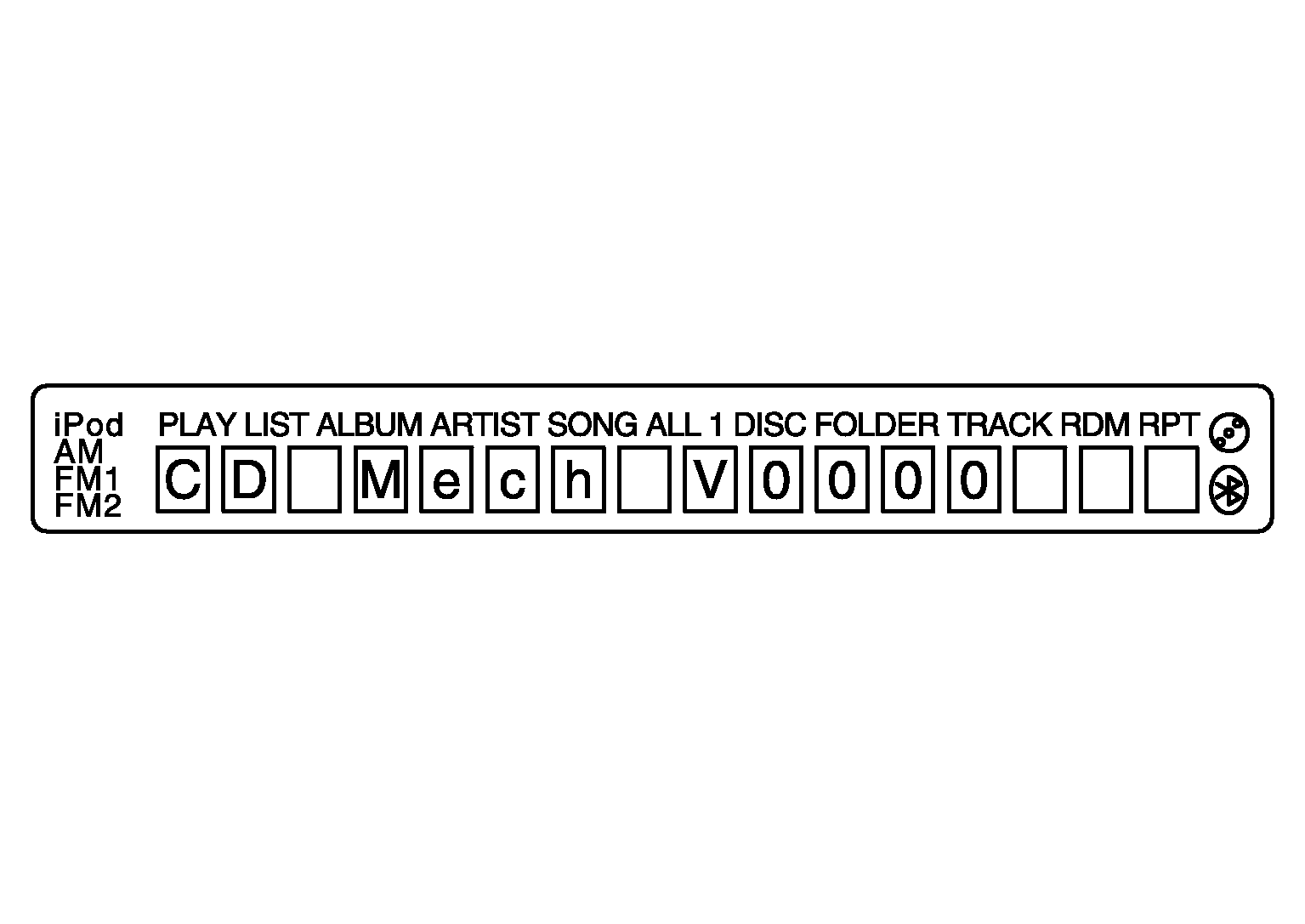 Courtesy of NISSAN NORTH AMERICA, INC.
- Press the "DISP TEXT" switch again to display the "EEP" (audio unit EEPROM version).
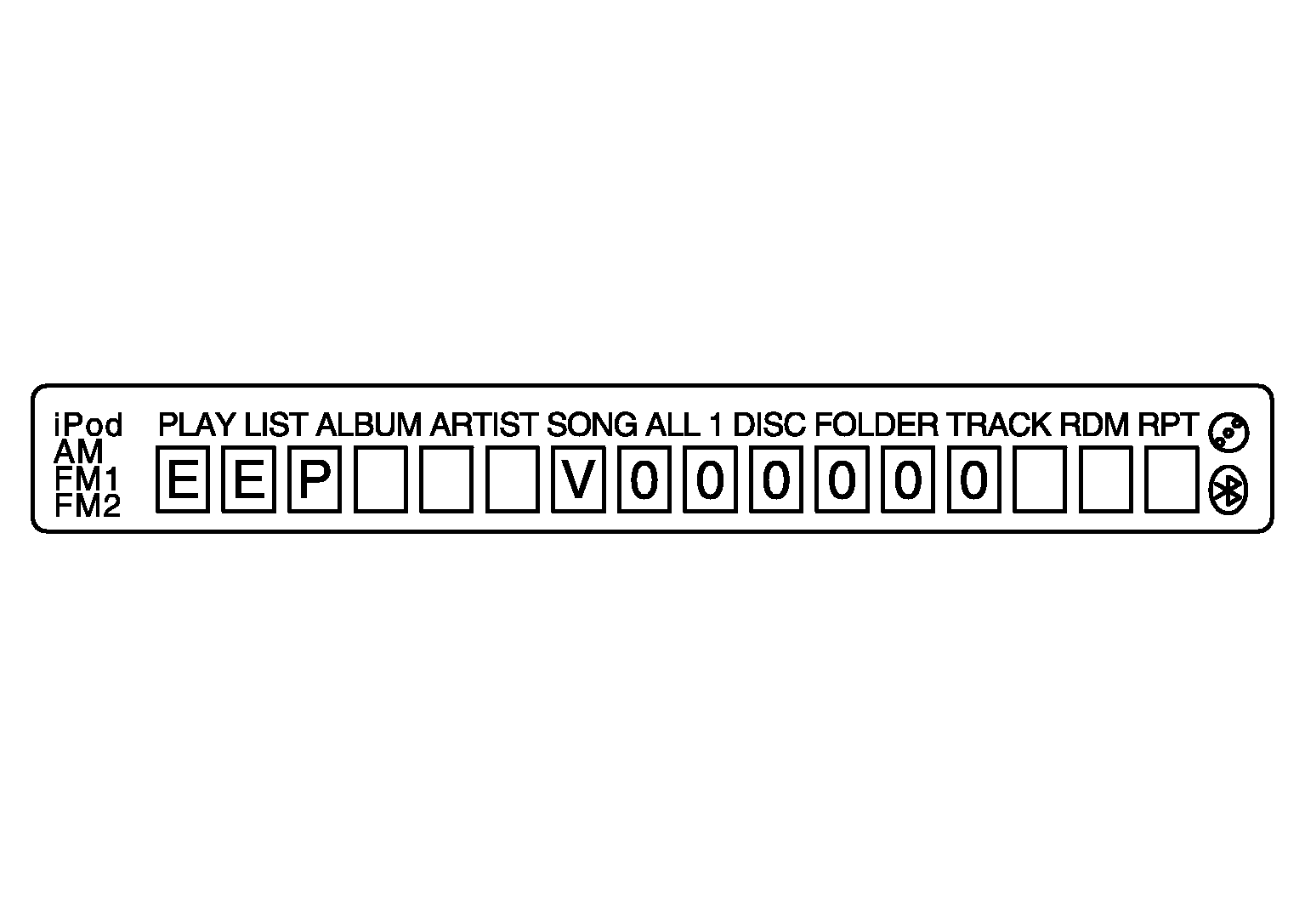 Courtesy of NISSAN NORTH AMERICA, INC.
- Press the "DISP TEXT" switch again to display the "SDARS" (satellite radio version).
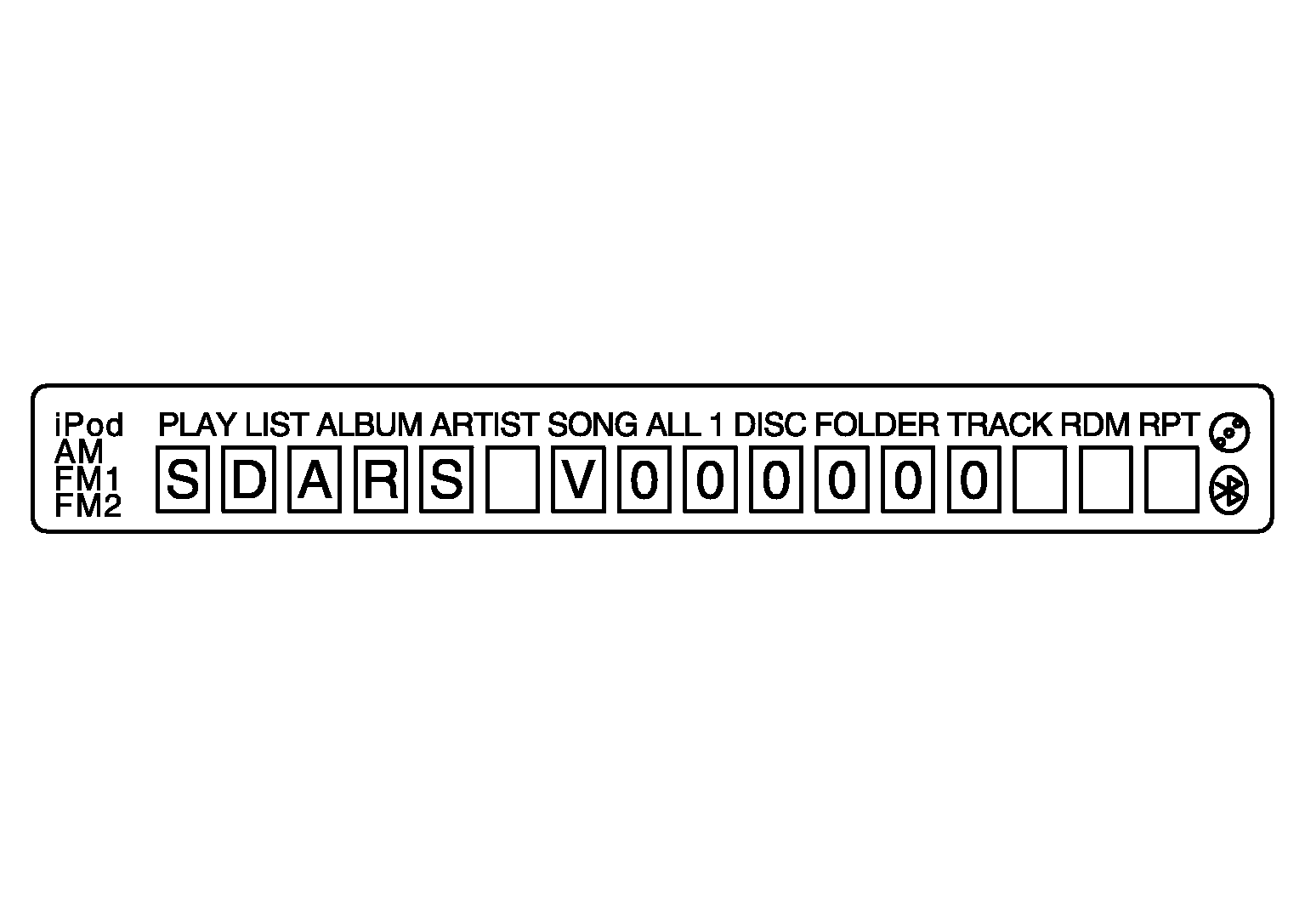 Courtesy of NISSAN NORTH AMERICA, INC.
- Press the "DISP TEXT" switch again to display the "CHG" (audio CD changer version). If audio CD changer is not connected, "FFFFFF" is displayed.
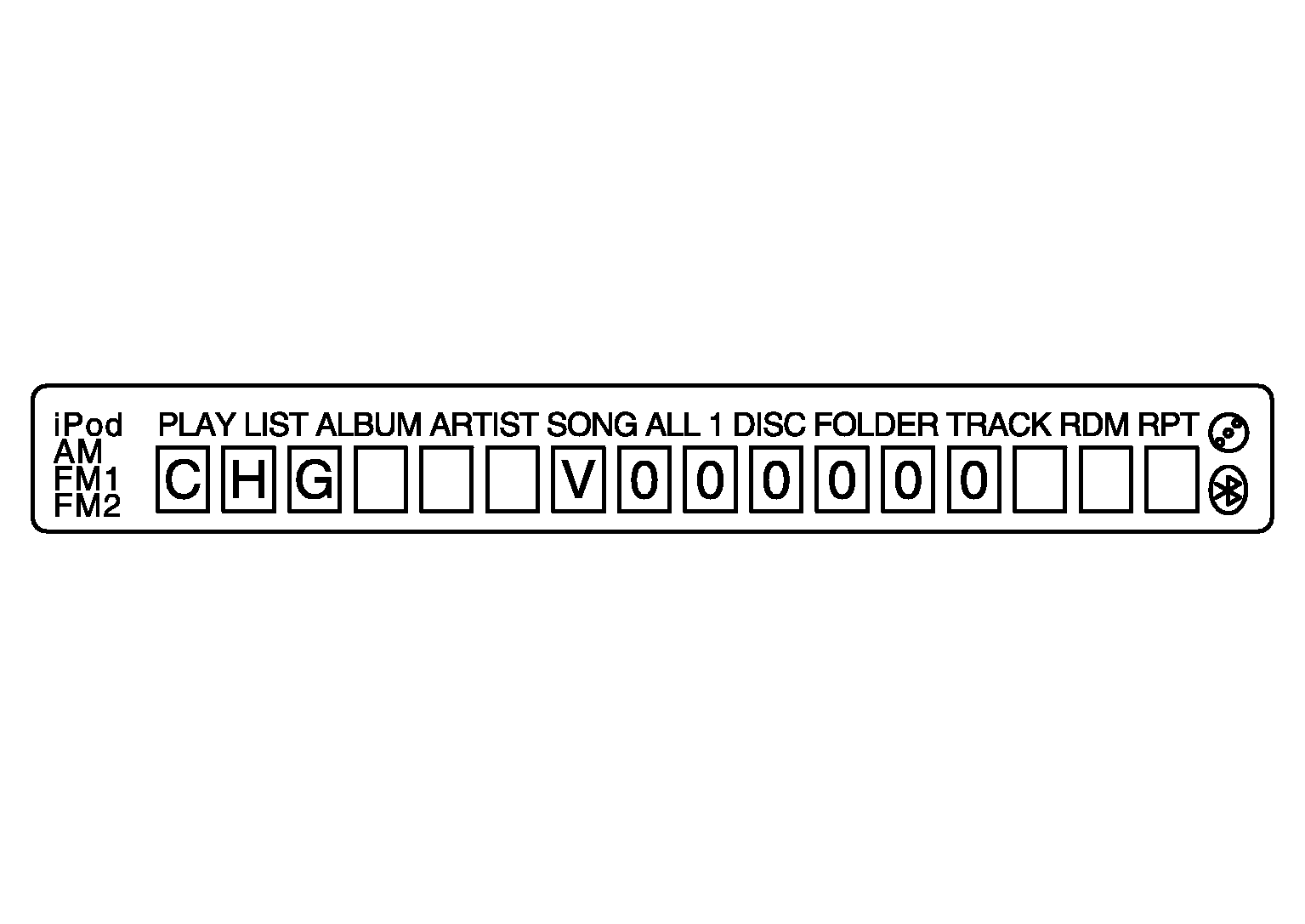 Courtesy of NISSAN NORTH AMERICA, INC.
- Press the "DISP TEXT" switch again to display the "iPodS" (iPod software version). "FFFFFF" is displayed when communication signals between the audio unit and iPod adapter include a malfunction.
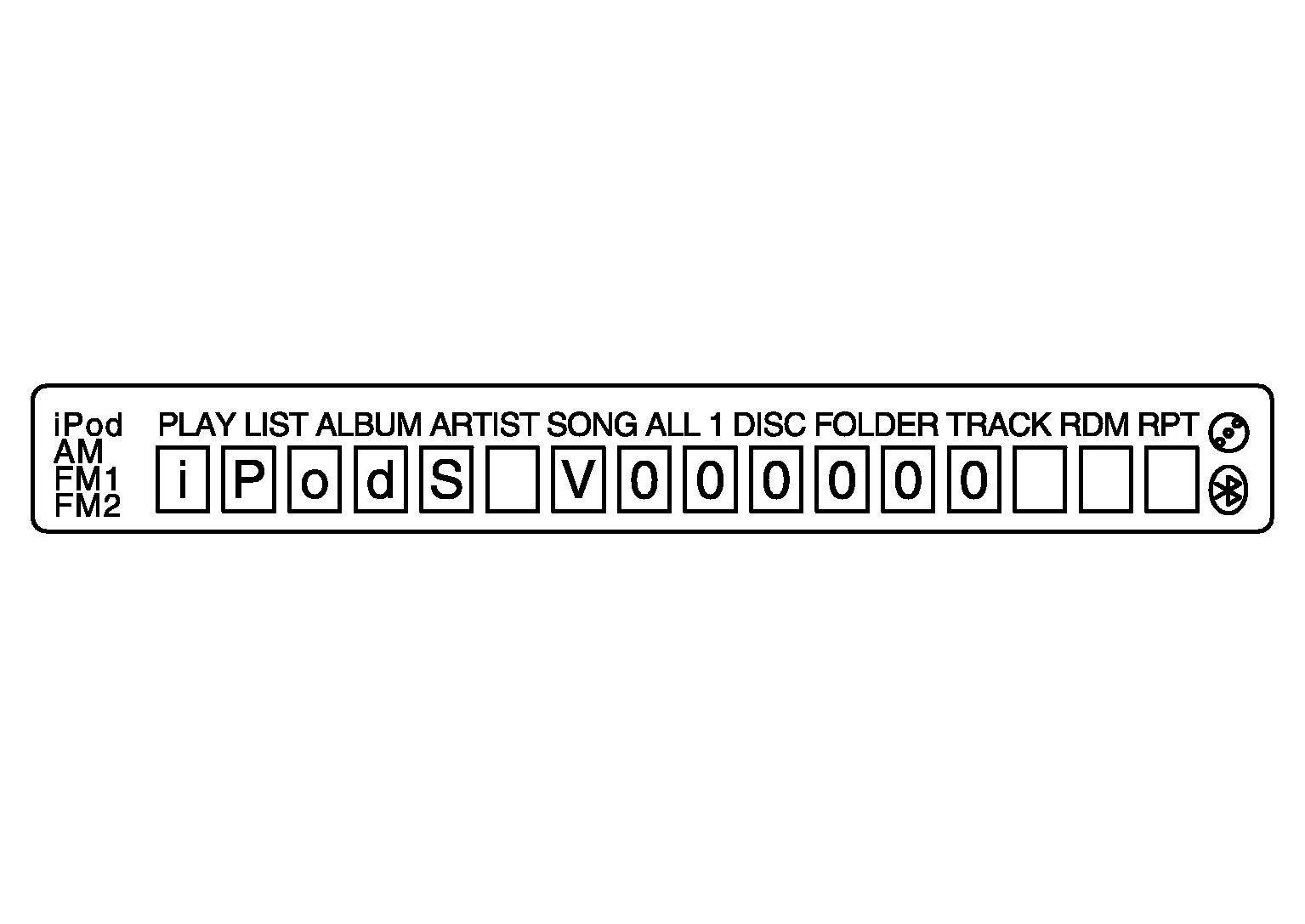 Courtesy of NISSAN NORTH AMERICA, INC.
- Press the "DISP TEXT" switch again to display the "iPodH" (iPod hardware version). "FFFFFF" is displayed when communication signals between the audio unit and iPod adapter include a malfunction.
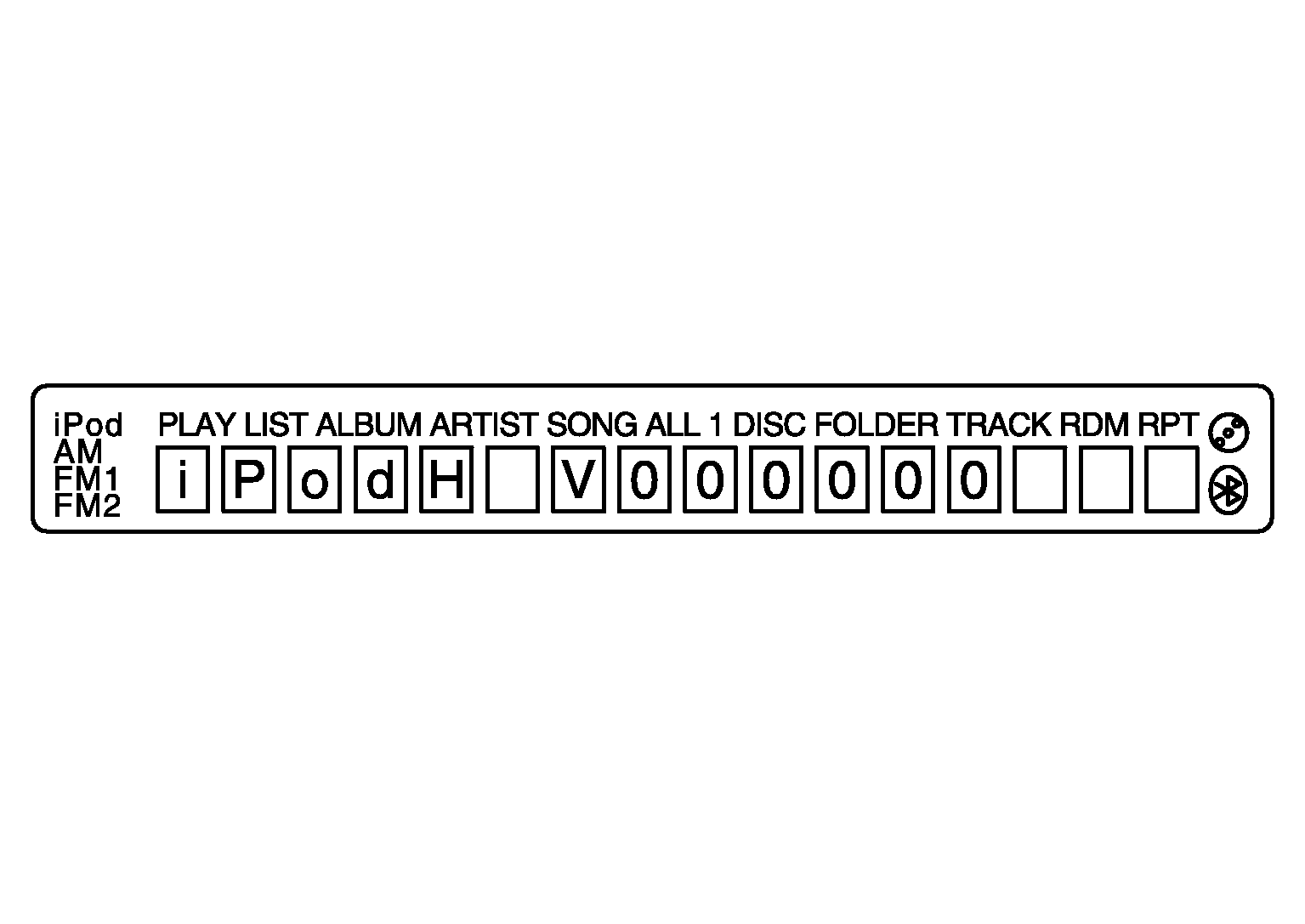 Courtesy of NISSAN NORTH AMERICA, INC.